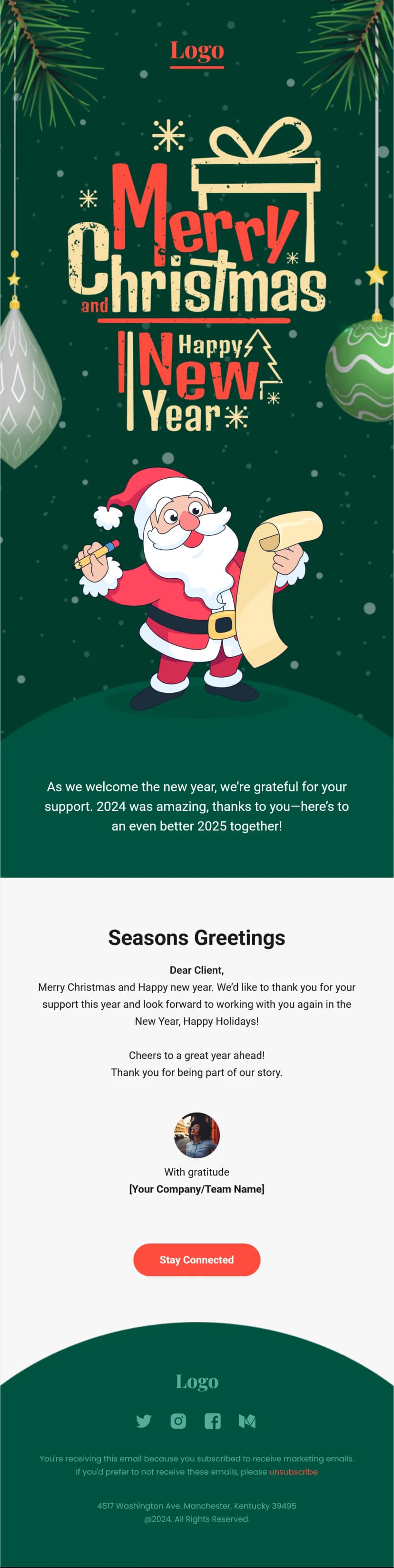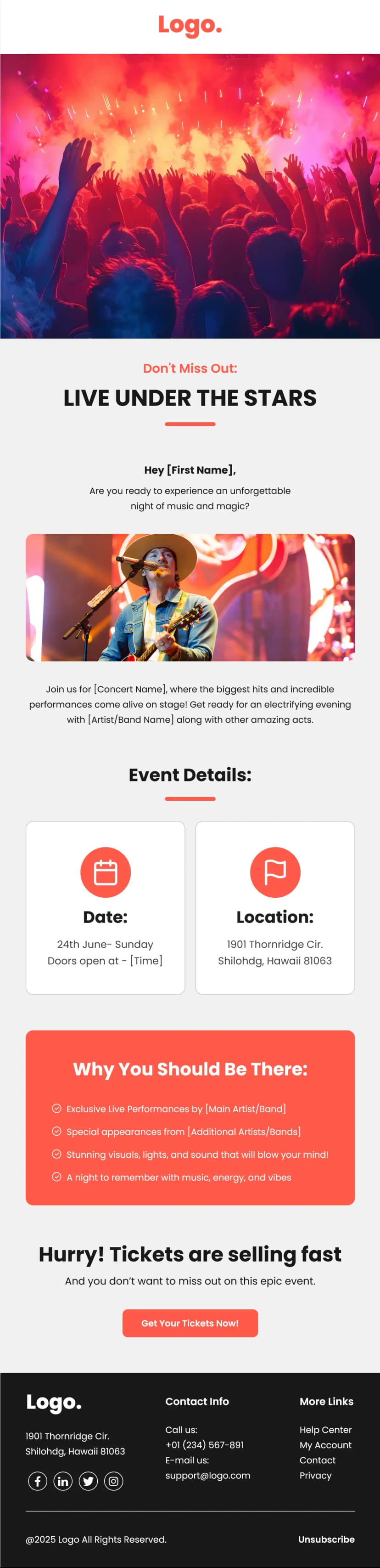


Christmas inboxes are the most competitive real estate of the entire year, and most brands respond by turning up the red. This Christmas sale email template for bakeries and ecommerce takes a smarter route. A deep festive teal instead of the usual red and gold, an illustrated cookie border running across the top, warm product photography, and a black last-chance block at the bottom that flips the mood from cozy to urgent. It has everything a seasonal send needs, a hero offer, a four-product grid, a deadline-driven closer, and three separate CTAs. Built for bakeries, cake shops, and dessert brands, and equally at home with any ecommerce store running a Christmas or holiday gifting campaign.
What's Inside This Christmas Sale Email Template
The header keeps things brand-first with a logo lockup on the left and a view online link on the right. Then the festivity arrives all at once. An illustrated border strip of gingerbread trees, candy canes, and stars runs edge to edge across a teal background, immediately signalling the season without a single word of copy.
Using illustration for the seasonal cue and photography for the products is the smartest structural choice in this template. Illustrated ornaments would look cheap layered over product shots, but as a defined border above them, they set the mood and then get out of the way.
The hero sits on teal with a small all-caps eyebrow above a large white two-line headline, then a rounded photo of gingerbread figures against warm bokeh lighting. Three lines of centered copy follow, positioning the products for both gifting and self-indulgence, which doubles the number of reasons a reader has to buy. A white button closes the section, and against that saturated teal it is the brightest element on the screen.
The product section shifts to soft grey with a bold heading and a short playful subhead. Four items sit in a two-by-two grid, each with a photo, a two-line product name, and three lines of description. The photography here is doing serious work, with dark, warm, close-up food shots that look far more appetizing than bright studio lighting ever manages for baked goods. A teal button sits beneath the grid, matching the hero background so the palette stays tight across the whole email.
Then the tone changes completely. A full black section carries a large two-line last-chance headline, a paragraph naming a percentage discount and a same-day deadline, and two stacked buttons, one outlined and one solid. The color inversion is what makes this land. After scrolling through warm teal and soft grey, black reads as a genuine shift in urgency rather than another section of the same email.
Stacking two CTAs also serves two different buyers. One goes online, one goes to a physical location, and giving both a full-width button rather than splitting them side by side keeps them easy to tap on mobile.
The footer returns to white with four black social icons, a hairline divider, a three-link nav row, another divider, the logo lockup, and a preferences, unsubscribe, and privacy line.
Use Cases
- Christmas and holiday sale campaigns
- Bakery, cake shop, and dessert brand promotions
- Seasonal gifting and hamper campaigns
- Ecommerce holiday discount emails
- Last chance and deadline-driven offer sends
- Product collection and menu feature emails
- Cafe, restaurant, and food brand newsletters
- Boxing Day and end-of-year clearance campaigns
Why Use a Christmas Sale Email Template
Roughly a third of annual revenue arrives in the holiday window for most consumer businesses, which means the emails you send in December carry disproportionate weight. The problem is that every competitor knows this, and by mid-December your subscriber has seen forty red-and-gold emails saying the same thing. Choosing teal over red is the single easiest way to look different in that inbox while still reading unmistakably as Christmas.
The structure of this Christmas sale email template is built around two distinct buying moods, and that is why it converts across a longer window than a single-message email would. The top half is warm, unhurried, and gift-focused, aimed at the shopper browsing three weeks out. The bottom half is black, discounted, and deadline-stamped, aimed at the shopper deciding tonight. Serving both in one send means you do not have to guess which one is opening.
The four-product grid is where most of the revenue actually comes from. Holiday shoppers rarely arrive knowing what they want, and showing four named options with distinct photography does the deciding for them. Naming products specifically rather than pointing at a generic collection matters more at Christmas than any other time, because a reader who can picture the item on a table is far closer to ordering than one browsing a category page.
Framing the products for gifting and for personal indulgence in the same sentence is a small copy decision with real impact. Food and gift purchases are frequently justified either way, and giving the reader permission to buy for themselves captures a segment that a purely gift-focused email leaves behind.
And the two-button last-chance block handles the reality of seasonal commerce, which is that shipping cutoffs arrive well before the holiday does. Once online ordering closes, a store locator button keeps the campaign converting for another week rather than becoming dead weight in the inbox.
How to Customize This Template
Open this Christmas sale email template in Maileditor and start by clearing the placeholder copy, since several blocks contain demo text that does not match the design. The four product descriptions and the black section headline all need rewriting before this is ready to send.
Drop your logo into the header and adjust the teal to your own brand color if you have one. Deep green, burgundy, navy, and forest all work here as long as the background stays saturated enough for white type and a white button to stand out.
Keep the illustrated border, swapping the motifs to match what you sell. Cookies, ornaments, snowflakes, wreaths, or gift boxes all fit the same strip. Replace the hero image with your own product shot, and if you sell food, shoot warm and close with soft lighting rather than bright and clinical.
Rebuild the four product cards with your real bestsellers, keeping the names short enough to hold two lines and writing genuine descriptions covering flavor, ingredients, or who the item suits as a gift. Add pricing here if you want fewer but better-qualified clicks.
Rewrite the black section entirely around your actual closing offer. Name the discount, state a real deadline, and point the first button at your store and the second at a locator, delivery info, or your shipping cutoff page. If you are online only, replace the second button with your last order date rather than removing it, since that information prevents a lot of disappointed customers.
Update the footer nav links, connect the social icons, and refresh the preferences, unsubscribe, and privacy links. The layout is fully responsive across all major email clients, and once it looks right, export it easily to your preferred email service platform like Klaviyo, Mailchimp, Omnisend, or HubSpot. No coding needed.