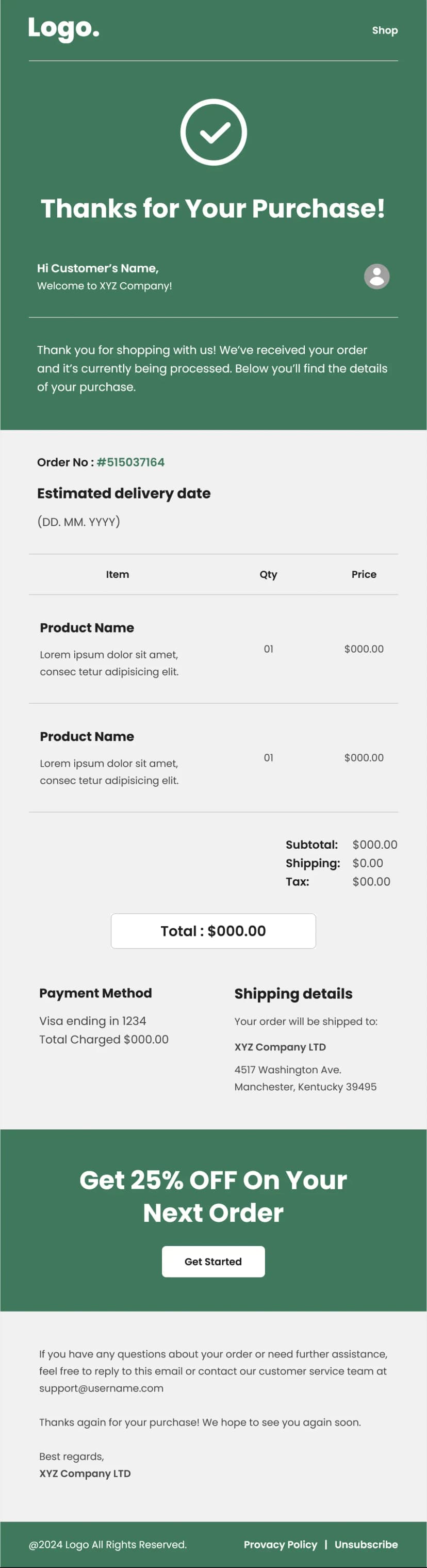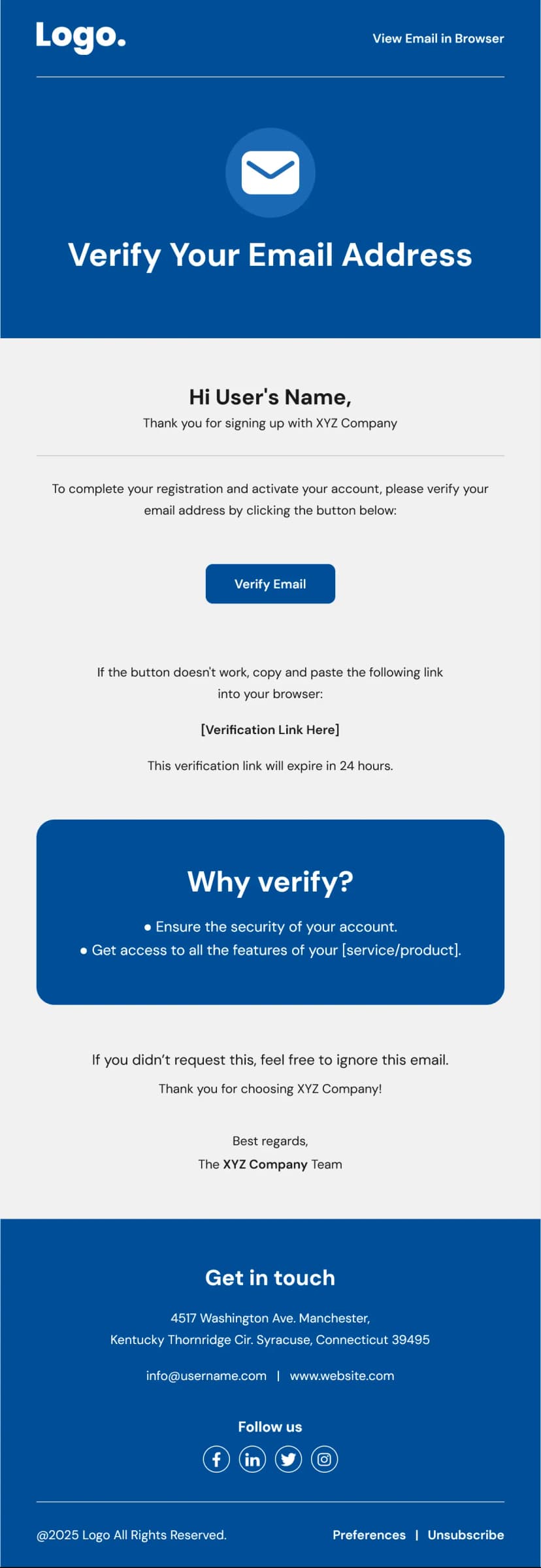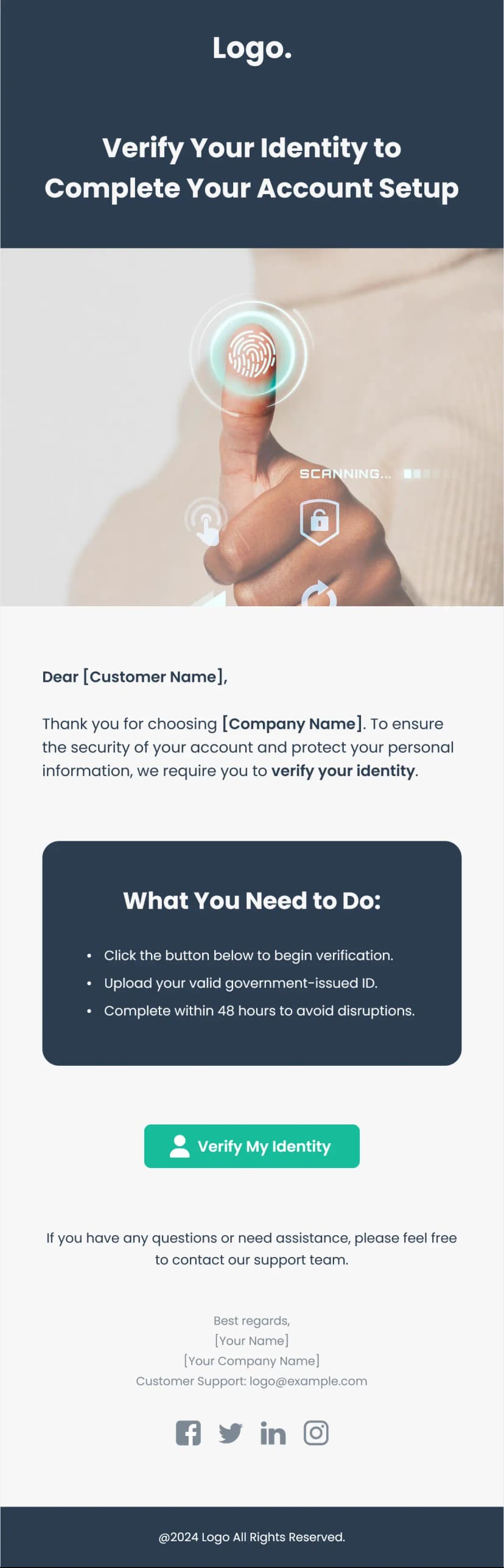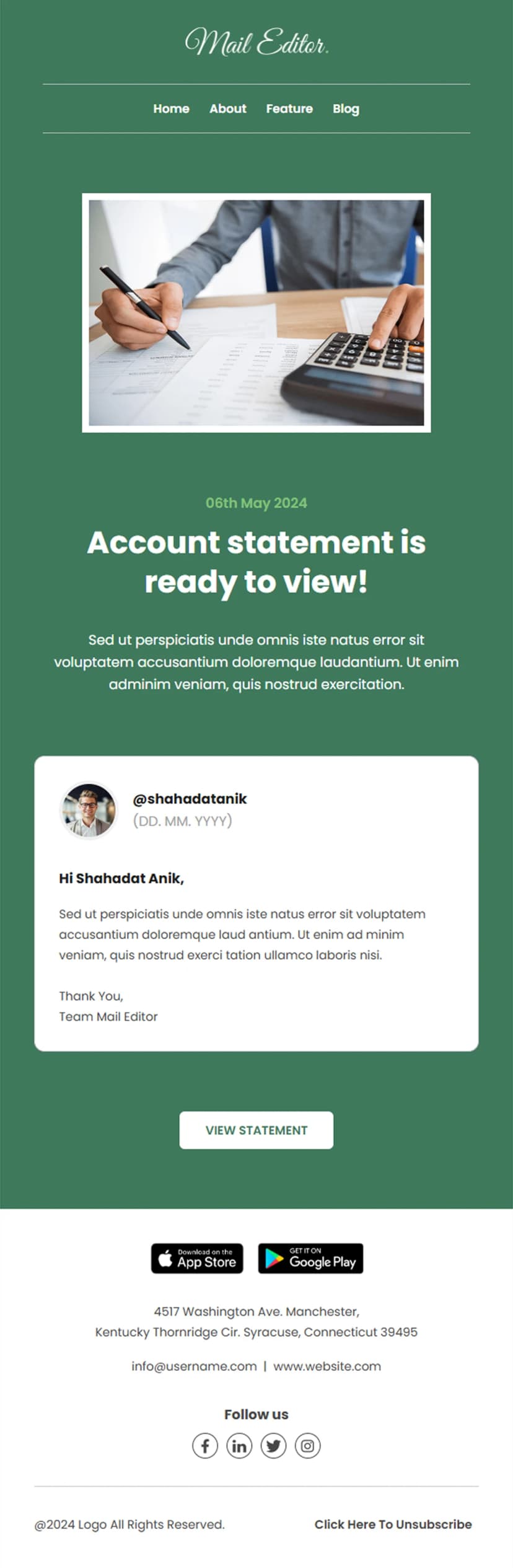


Receipts do not have to be boring. They definitely do not have to look like they were generated by a database in 2009. This simple transactional receipt email template proves you can send a payment confirmation that looks sharp, communicates instantly, and still feels like it came from a brand that cares about the details. A dark chocolate header with a massive payment amount, clean client and invoice details, an itemized table, and a big orange "Pay Now" button - it is everything a transactional receipt needs and nothing it does not. If you sell digital products, SaaS subscriptions, creative assets, or freelance services, this is the receipt email your customers will actually appreciate opening.
What's Inside This Simple Transactional Receipt Email Template
The email opens with a rich, dark brown header that immediately feels premium. The brand logo sits at the top, and then the total payment amount - $9,000 in this case - is displayed in absolutely massive orange text. You cannot miss it. A thank-you message underneath confirms the customer has joined the Premium tier and their features are now unlocked. That little detail turns a basic receipt into a moment of celebration.
Below the header, the client details section lays everything out in a clean two-column format. Client name, company, and address on the left. Invoice number, invoice date, due date, and total on the right. It is the kind of layout an accountant would love and a busy founder can scan in three seconds flat.
The itemized table keeps things minimal. Item description, quantity, and price - that is it. No unnecessary columns, no clutter. The total amount is bolded at the bottom for one more visual confirmation. Then a full-width orange "Pay Now" button takes over the screen. It is big, it is bold, and it is impossible to scroll past without noticing. For invoices that still need payment, that button is doing all the heavy lifting.
The footer section is surprisingly smart for a transactional email. The brand logo appears again, followed by four navigation buttons - New Arrivals, Graphics, Activewear, Sale - that turn a receipt into a browsing opportunity. While the customer is already engaged with your brand, why not give them a reason to keep shopping? Social media icons, company address, and links to privacy policy, unsubscribe, and help center close things out.
Use Cases
- SaaS subscription payment receipts
- Digital product purchase confirmations
- Creative asset marketplace transaction emails
- Freelance and agency invoice receipts
- Premium tier upgrade payment confirmations
- Online course enrollment receipts
- Membership activation payment emails
- B2B software license purchase receipts
Why Use a Simple Transactional Receipt Email Template
Transactional emails get opened more than any other type of email you will ever send. That is not an opinion - it is a fact backed by every email marketing study out there. People open receipts because they need to confirm the amount, save it for their records, or forward it to their accounting team. So why would you send the most-opened email in your arsenal looking like a plain text afterthought?
This simple transactional receipt email template gets that. The oversized payment amount in the header answers the first question every receipt-opener has - "how much did I pay?" - before they even start reading. The dark background makes it feel substantial, like a premium brand communication, not a generic system notification. And the clean two-column layout for client and invoice details means the reader can find any piece of information they need without scrolling back and forth.
The navigation buttons in the footer are the hidden conversion play. Most brands treat receipts as dead-end emails - transaction done, move on. But this template recognizes that a customer who just paid you is a customer at peak brand engagement. They are already thinking about you. Dropping four category links right below the receipt gives them a frictionless path back into your store. It is not aggressive upselling. It is just making the door easy to walk through.
And that orange "Pay Now" button? For any business that sends invoices before collecting payment, that button is worth its weight in gold. Big, bright, full-width, centered - it removes every possible barrier between the customer reading the invoice and the customer paying it.
How to Customize This Template
Open this simple transactional receipt email template in Maileditor and make it your own. Replace the brand logo and adjust the dark brown header to your brand color. Update the payment amount, thank-you message, and tier name to match your product's pricing and plan structure. Fill in the client details and invoice information with dynamic merge tags from your billing platform so every receipt auto-populates with the right data.
Edit the itemized table to reflect your actual products or services. Keep it simple - this template works best when the line items are clean and minimal. Link the "Pay Now" button to your payment gateway or invoice payment page. Update the footer navigation buttons with your real store categories or remove them if you want a pure transactional experience. Customize the social links and address. When the whole thing looks like a receipt your brand would be proud to send, export it easily to your preferred email service platform like SendGrid, Postmark, Mailchimp, or whatever you are running. No coding needed.