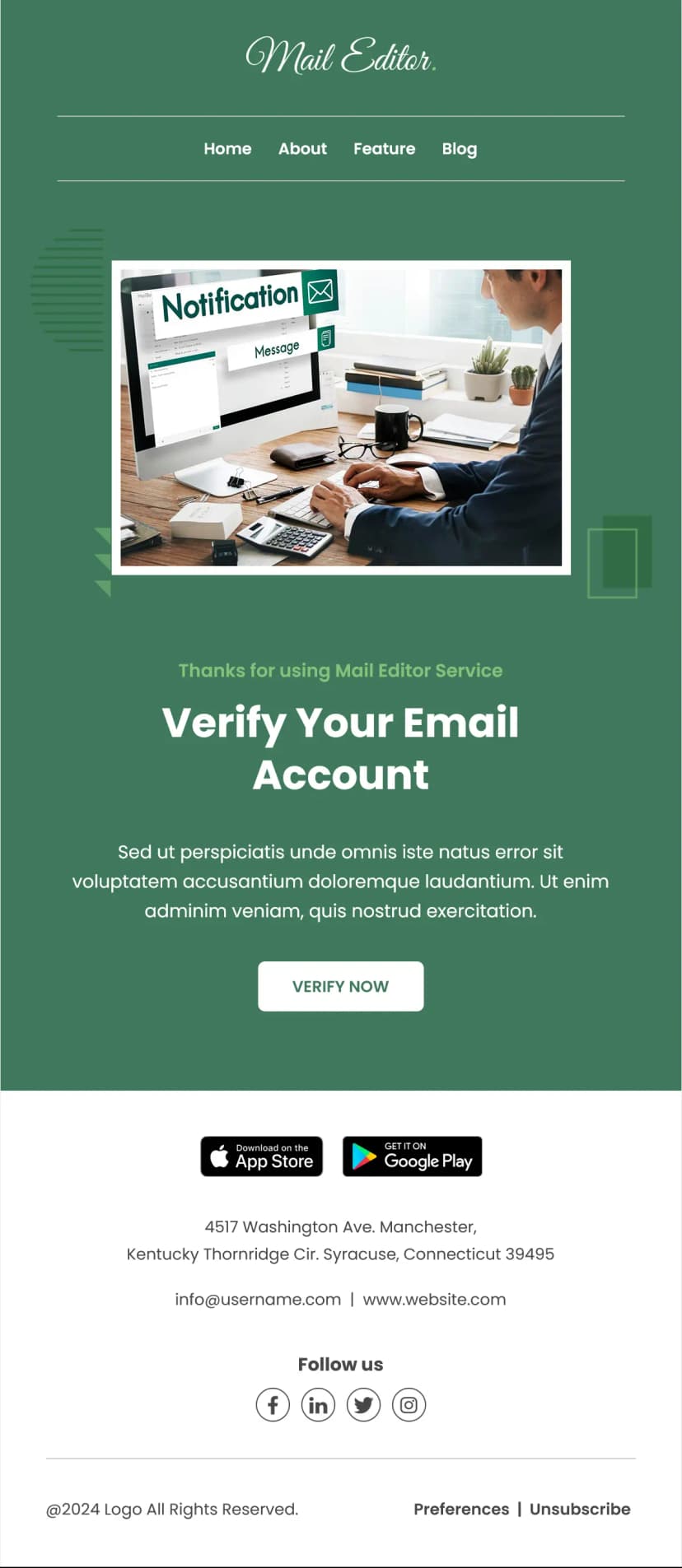


A clear recovery message can make a big difference when users are locked out of their accounts. This Password Reset Email Template is designed to help businesses send professional reset emails that are easy to understand, quick to act on, and reassuring for the recipient.
When someone requests a password reset, they are usually trying to solve the issue fast. That means the email should keep the message simple and focused. This Password Reset Email Template does that by leading with a direct reset message, confirming that a request was received, and guiding the user to the next step with a strong call to action.
The layout is clean and easy to scan. It includes a clear heading, a time reference that adds context, a short explanation of why the email was sent, and a visible reset button that encourages immediate action. There is also a helpful note telling the recipient they can ignore the email if they did not request a password change. That small detail helps build trust and makes the email feel more secure.
You can customize this Password Reset Email Template with your logo, brand colors, button style, support messaging, and footer links. It works well for SaaS platforms, ecommerce websites, mobile apps, membership sites, and any service that needs a reliable account recovery email.
Use Cases
This Password Reset Email Template can be used for:
- Sending password reset requests
- Helping users recover account access
- Supporting secure login recovery flows
- Reducing support questions about forgotten passwords
- Reassuring users during account security actions
- Providing clear reset instructions with a trusted layout
The layout is mobile friendly and easy to customize inside MailEditor. You can update the branding, text, and reset link before exporting the final HTML for your email platform.
If your product or platform needs a dependable recovery message, this Password Reset Email Template helps you send clear, secure, and professional emails that users can trust.