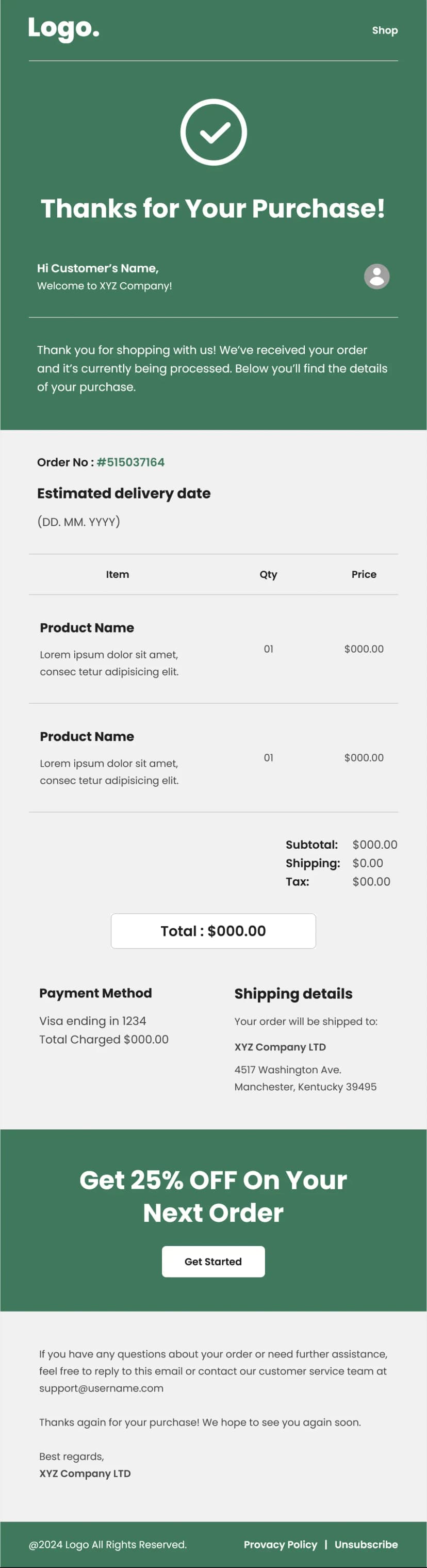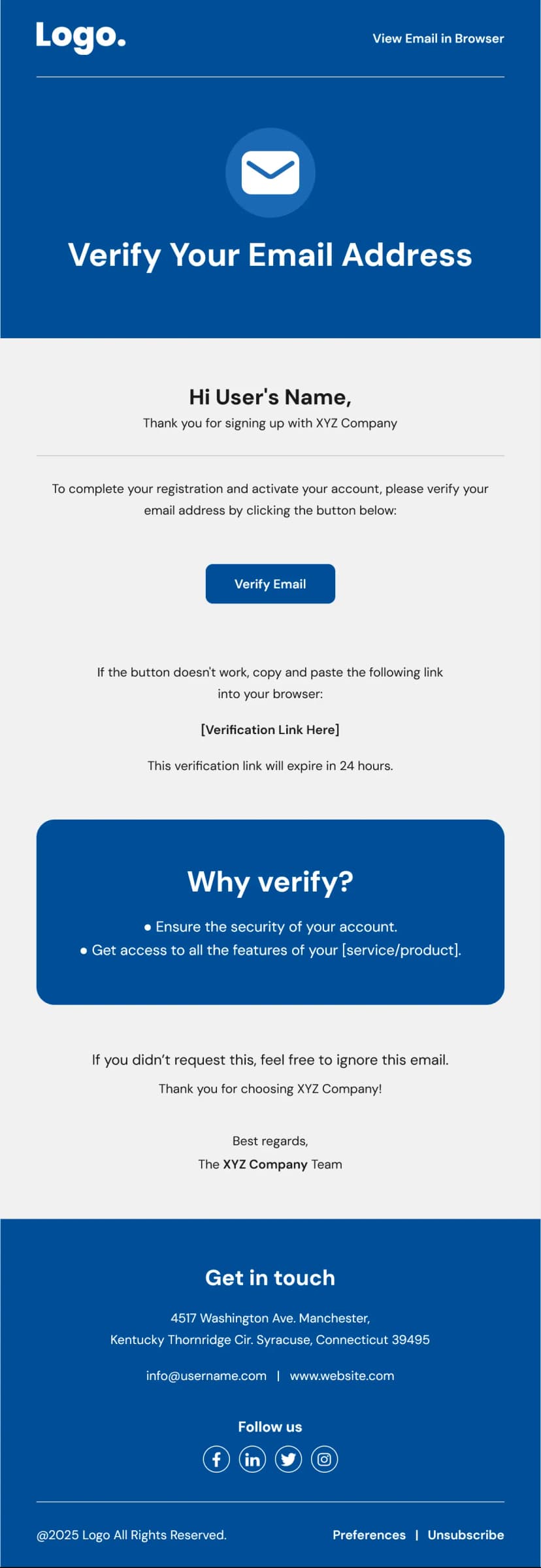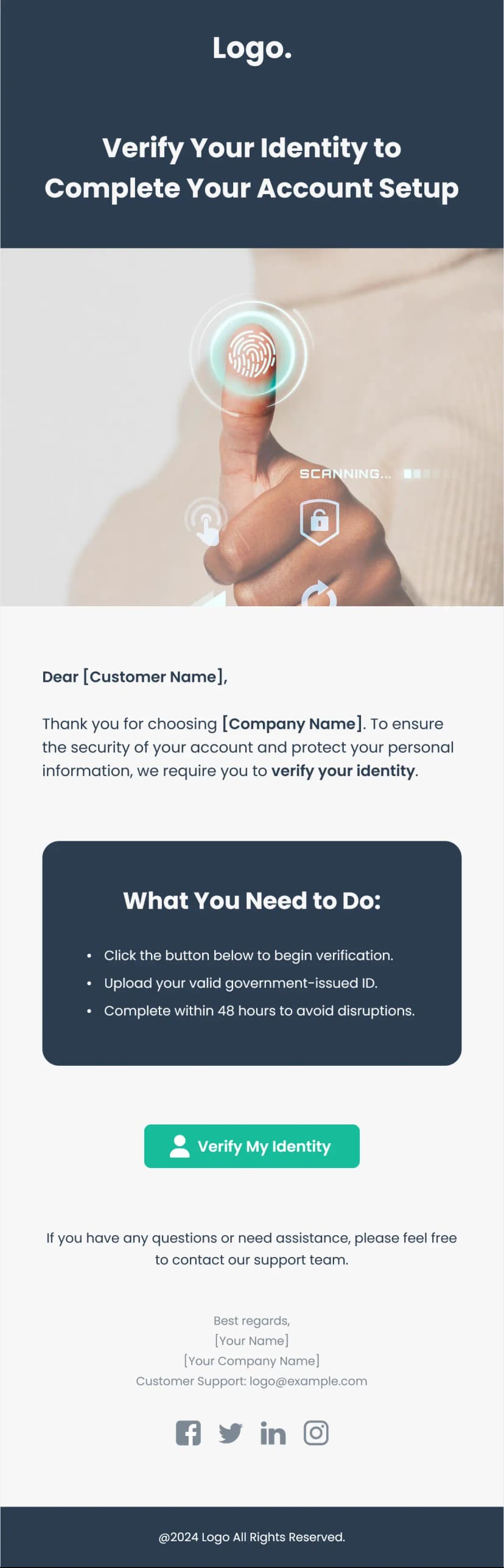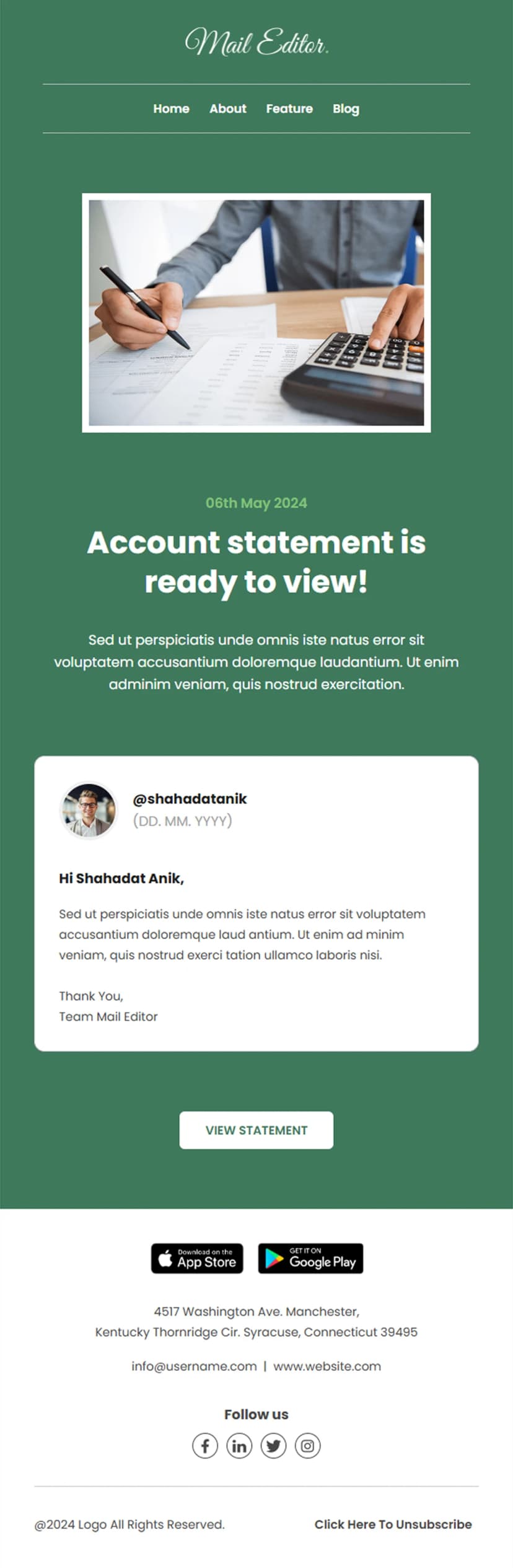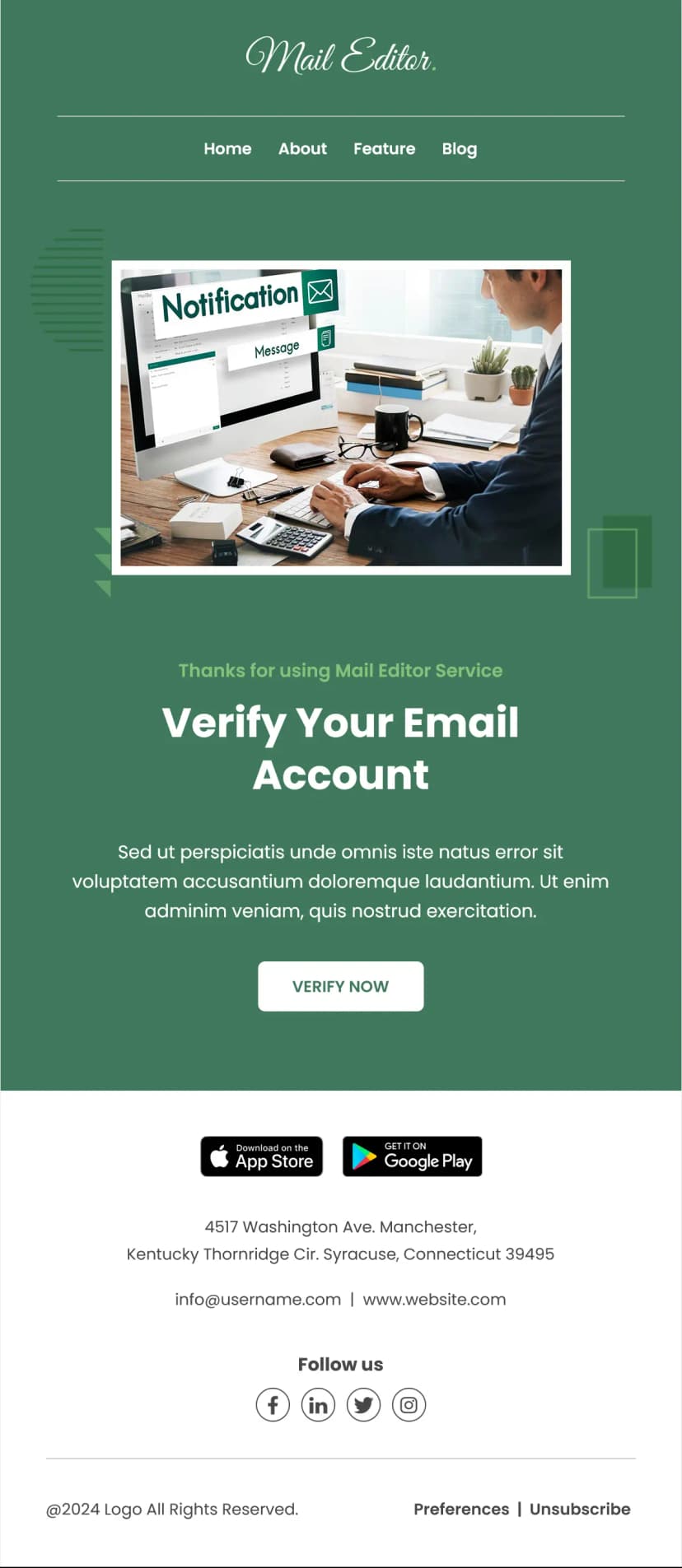


Make every purchase feel official with this professionally designed order confirmation email sample template. Built with a clean, dark-themed layout, this template includes everything your customers expect after placing an order - from order summary and itemized billing to tax breakdowns and a clear call-to-action button. Whether you run an e-commerce store or a service-based business, this order confirmation email sample template helps you deliver a polished post-purchase experience that builds trust.
What's Inside This Order Confirmation Email Sample Template
This ready-to-use order confirmation email sample template comes with all the essential components for your transactional emails. A prominent confirmation message reassures the customer that their order is being processed. A structured order details block displays the order number, total amount, due date, and invoice date. The itemized product table breaks down each line item with quantity and price, followed by a pricing summary covering tax, subtotal, discount, and total amount. A bold CTA button and an optional content block for promotions or community highlights round out the design.
Use Cases
- E-commerce order confirmations
- SaaS subscription confirmations
- Digital product purchase receipts
- Event ticket confirmations
- Service booking receipts
- Wholesale and B2B order acknowledgments
- Donation or membership confirmations
- Marketplace seller notifications
- Why Use an Order Confirmation Email Sample Template
Order confirmation emails are among the highest-opened transactional emails in any business. Customers actively look for them right after completing a purchase. A well-structured order confirmation email sample template helps you reinforce your brand, reduce buyer's remorse, and set clear delivery expectations. This template's modern dark aesthetic stands out in crowded inboxes while keeping the information hierarchy clean and readable.
How to Customize This Template
Edit the order confirmation email sample template in Maileditor and swap in your brand logo, colors, and company details. Replace placeholder data with dynamic merge tags from your email platform. Adjust the line items table to match your product catalog and update the footer with your business address and social links. The layout is fully responsive and works across all major email clients.