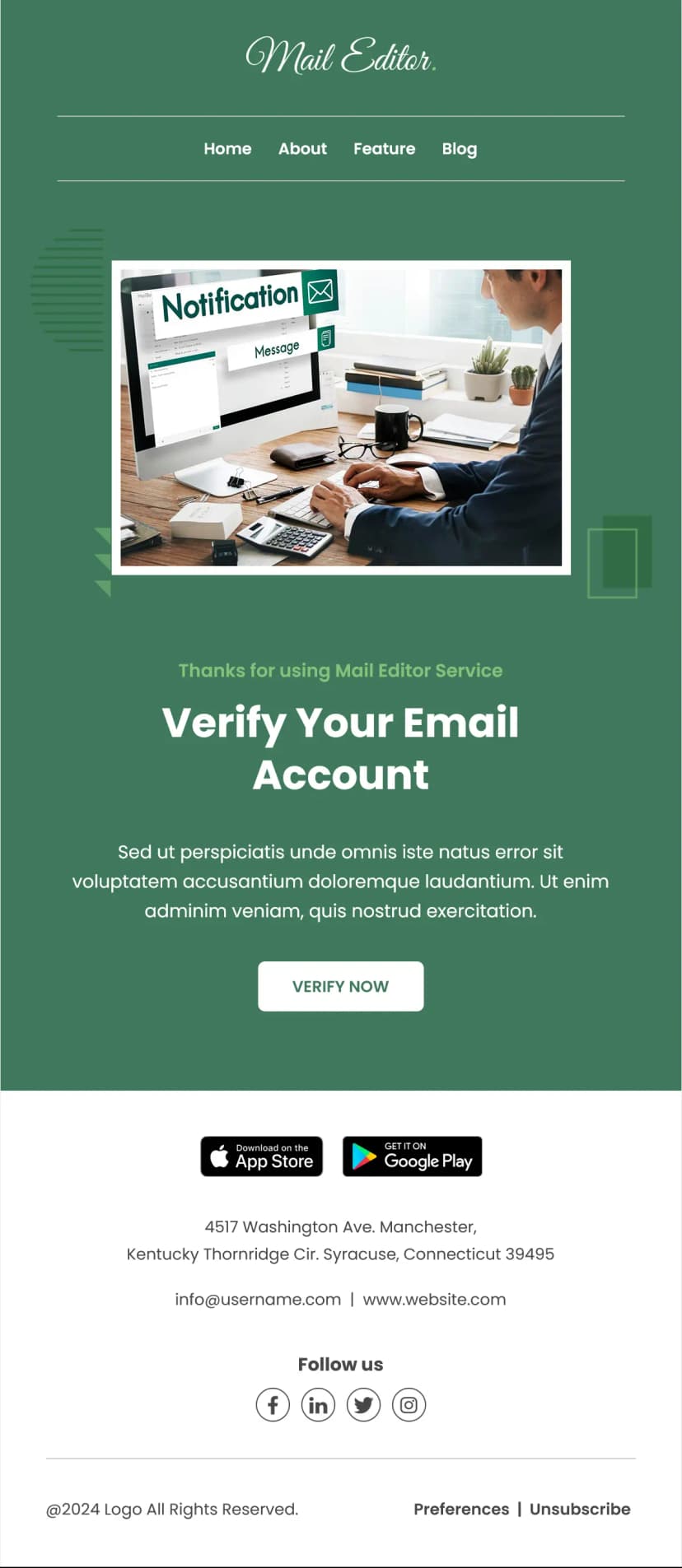


When someone has applied to join a platform, the approval email is the moment that either carries them across the finish line or loses them to a half-finished signup. This account approval email template is built to get them over it. A clear headline confirming their application has advanced, a single obvious action, a plain explanation of what is left, and a firm but friendly deadline. A striking gradient header on a clean card keeps it modern and professional without any clutter to distract from the one thing that matters, which is completing the next step. Built for marketplaces and platforms, provider and vendor networks, membership sites, and any business onboarding approved applicants through a final set of forms.
What's Inside This Account Approval Email Template
The email leads with a bold two-part headline confirming the provider agreement is ready to sign. Opening with the positive status is the right move, because an applicant waiting to hear back wants reassurance first, and telling them they have progressed immediately turns anxiety into momentum.
A friendly greeting follows, then the good news in plain terms: the application has cleared the first check, and two forms remain before the listing can be activated. Stating exactly what is left, and how much, removes uncertainty. An applicant who knows there are precisely two forms between them and activation is far more likely to finish than one facing a vague, open-ended process.
A single clear action button, open the packet, sits front and center. Having just one call to action is the most important design decision in an onboarding email like this. The entire goal is to get the applicant to complete the next step, and any competing link or distraction lowers the chance they do.
A reassuring line follows, noting the forms take about ten minutes, nothing needs printing, and progress can be saved. This directly addresses the friction that stalls onboarding. People abandon forms they fear will be long, complicated, or require a printer, and pre-empting all three of those worries makes starting feel easy.
A highlighted deadline box gives a specific completion date. A clear deadline creates helpful urgency and prevents the task from being put off indefinitely, which is the single biggest risk to completing an onboarding flow.
The email closes with a supportive line inviting the applicant to reply with any questions or to request a resent document, signed off by the onboarding team. Offering a direct, human reply route is reassuring at a moment when a stuck applicant might otherwise simply give up. A minimal footer with a copyright line and unsubscribe link keeps the focus on the action.
Use Cases
- Account approval and activation emails
- Provider and vendor onboarding sends
- Marketplace application approvals
- Membership and listing activation flows
- Form completion and document signing requests
- Contract and agreement signing emails
- Application status and next-step notifications
- Partner and seller onboarding sequences
Why Use an Account Approval Email Template
The gap between approving an applicant and activating their account is where a surprising number of signups quietly disappear. People get approved, mean to finish the forms later, and never do. An account approval email template built around a single clear action and a firm deadline is what closes that gap and turns approved applicants into active users.
Leading with the positive status is the psychological key. An applicant opening this email is anxious about whether they were accepted, and confirming their progress in the headline replaces that anxiety with momentum. Motivated by good news, they are far more likely to complete the next step immediately.
The single call to action is what makes it convert. Onboarding emails fail when they offer too many links and options, splitting the applicant's attention. Stripping the email down to one obvious button focuses all of that attention on the one action that actually matters, which is completing the forms.
Pre-empting friction is the detail that separates a good onboarding email from one that gets ignored. People abandon tasks they expect to be painful, so telling them upfront that the forms are short, need no printing, and can be saved and resumed removes the exact excuses that cause delay. Making the task feel small is often the difference between it getting done and getting deferred.
And the deadline is what prevents indefinite postponement. Without a date, a low-urgency task like completing forms slides down the priority list forever. A specific, reasonable deadline creates just enough pressure to get it done while still feeling helpful rather than demanding.
How to Customize This Template
Open this account approval email template in Maileditor and start with the headline and status message. Rewrite them around your own process, keeping the positive confirmation first and stating exactly what remains, since naming the specific number of steps left is what drives completion.
Drop your logo into the gradient header, and keep the gradient or adjust it to your brand colors. The clean single-card layout is central to the focused feel, so avoid adding extra sections or competing links.
Point the action button at your actual onboarding flow, form, or document packet, and keep it as the only call to action. Resist adding secondary buttons, since a single clear action is what makes this email work.
Update the reassurance line to match your real process. If your forms take a different amount of time or work differently, say so accurately, but keep pre-empting the common worries about length and complexity, since that is what lowers the barrier to starting.
Set a real, specific deadline in the highlighted box, and make sure it gives the applicant enough time to act while still creating urgency. Personalize the greeting with the applicant's name if your platform supports it.
Keep the reply-for-help invitation and make sure replies reach a monitored inbox, since a stuck applicant who cannot get help will often abandon the process entirely. Update the copyright and unsubscribe links. The layout is fully responsive across all major email clients, and once it looks right, export it easily to your preferred email service platform like HubSpot, Mailchimp, Klaviyo, or Omnisend. No coding needed.