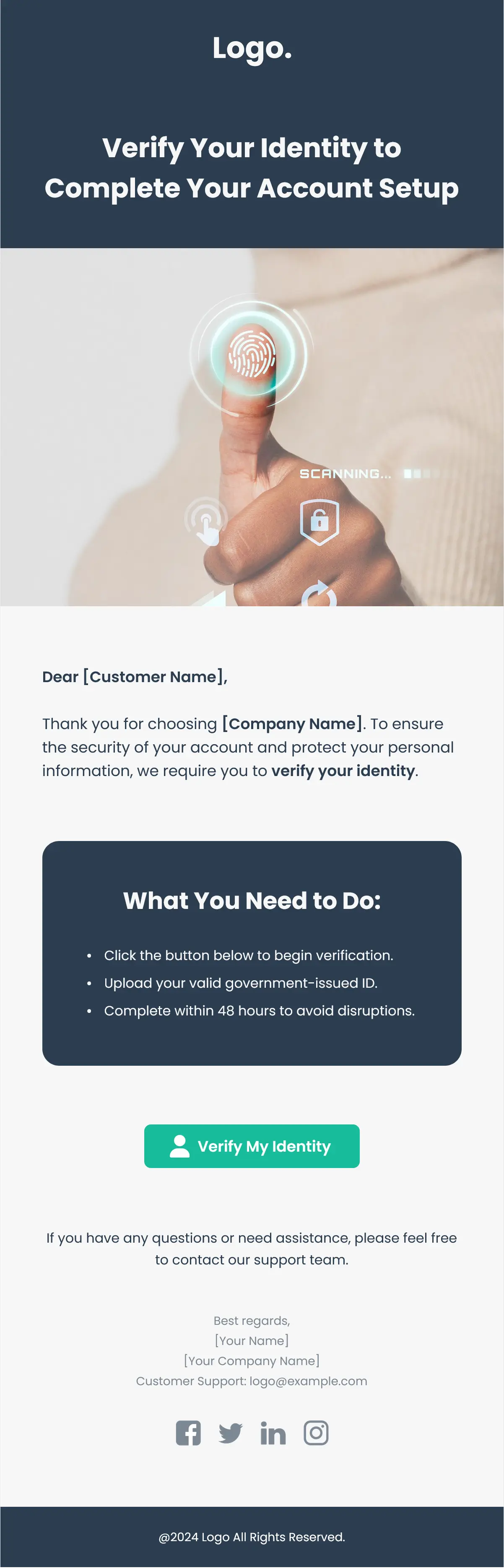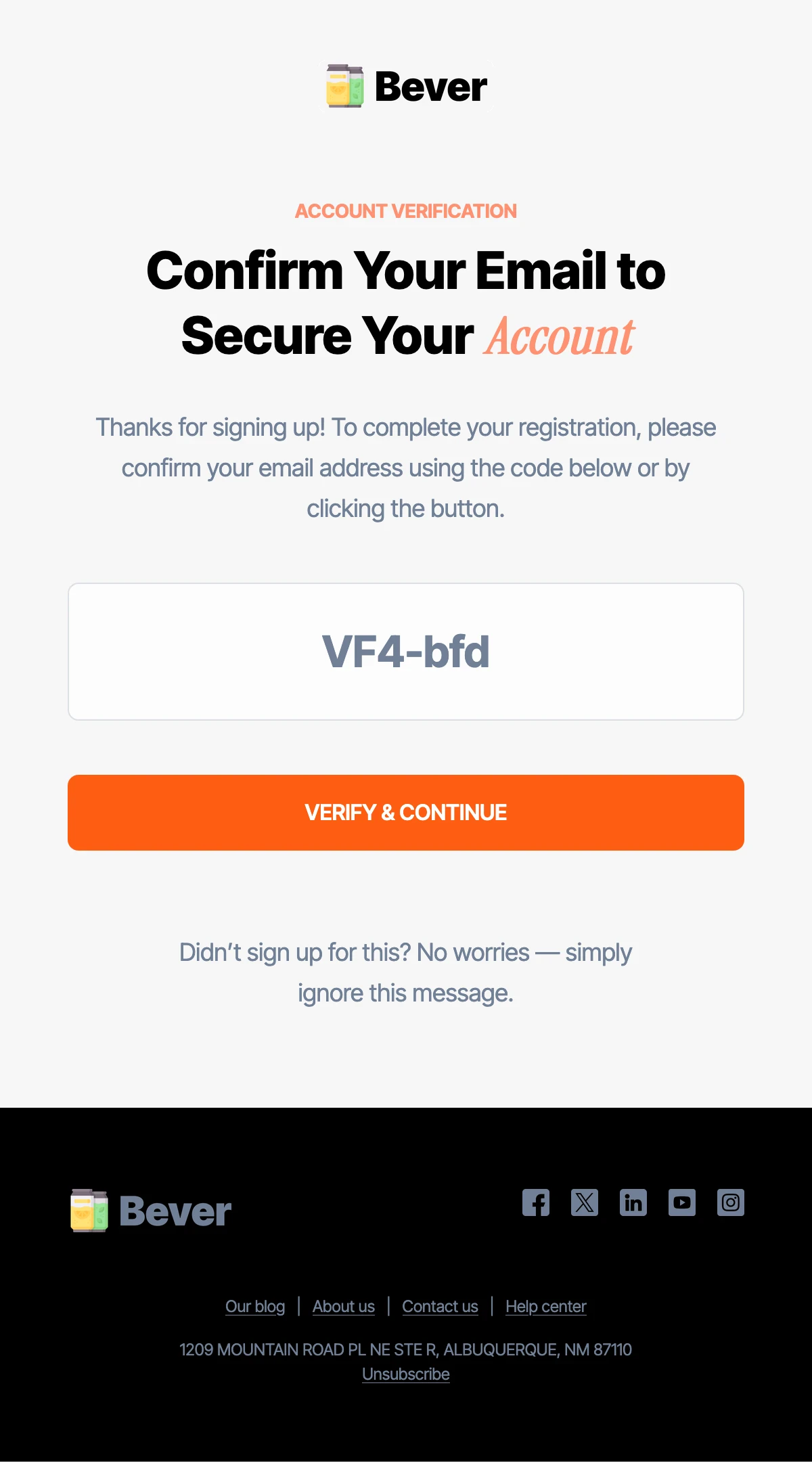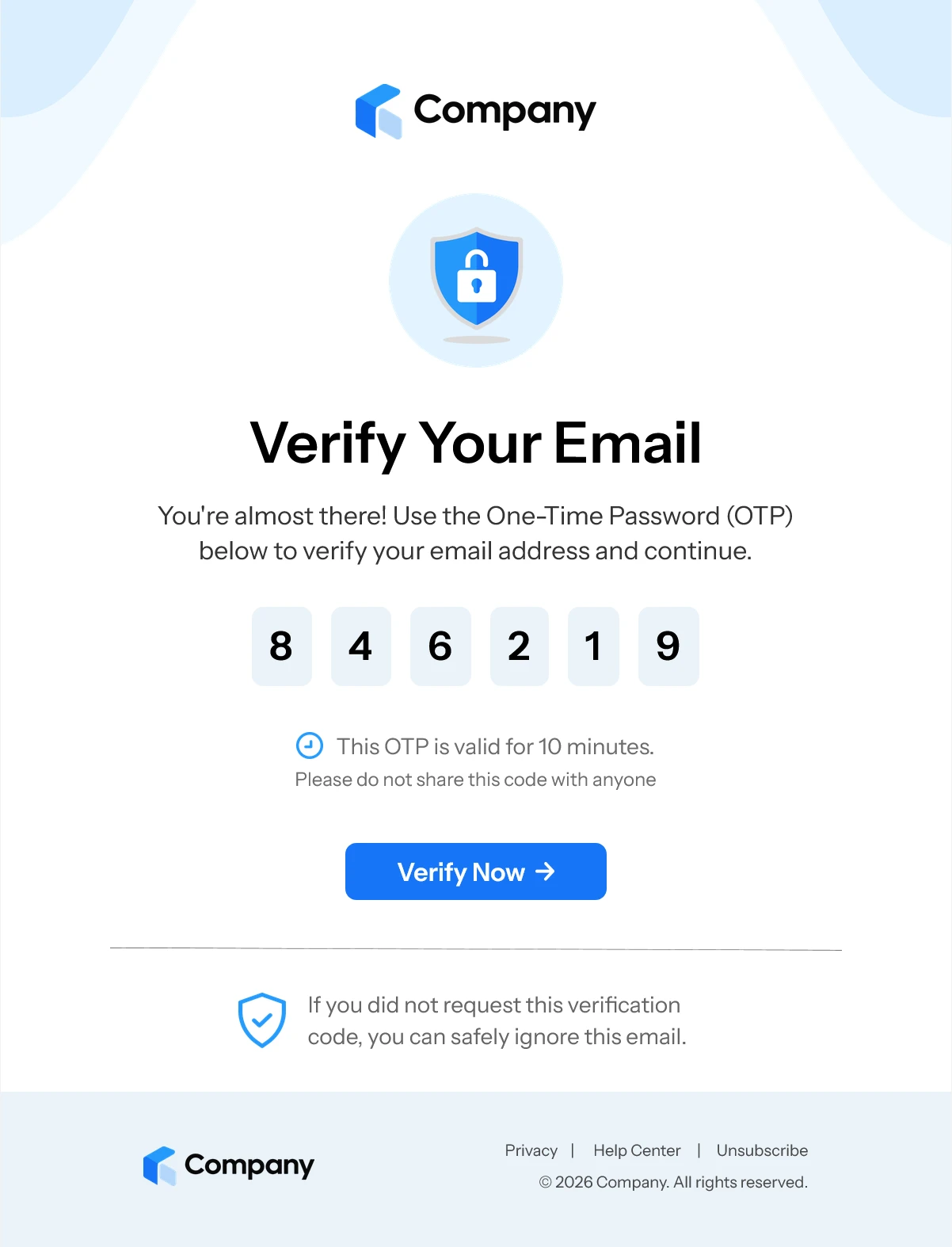


Add an extra layer of protection to every account with a two-factor authentication email template designed for clear, trustworthy security messages. With a "Your Verification Code" heading, a large one-time code display, a short expiry note, a bold verify button, and a quick link for unexpected requests, it helps apps, platforms, and online services keep users safe without slowing them down.
What's Inside This Two-Factor Authentication Email Template
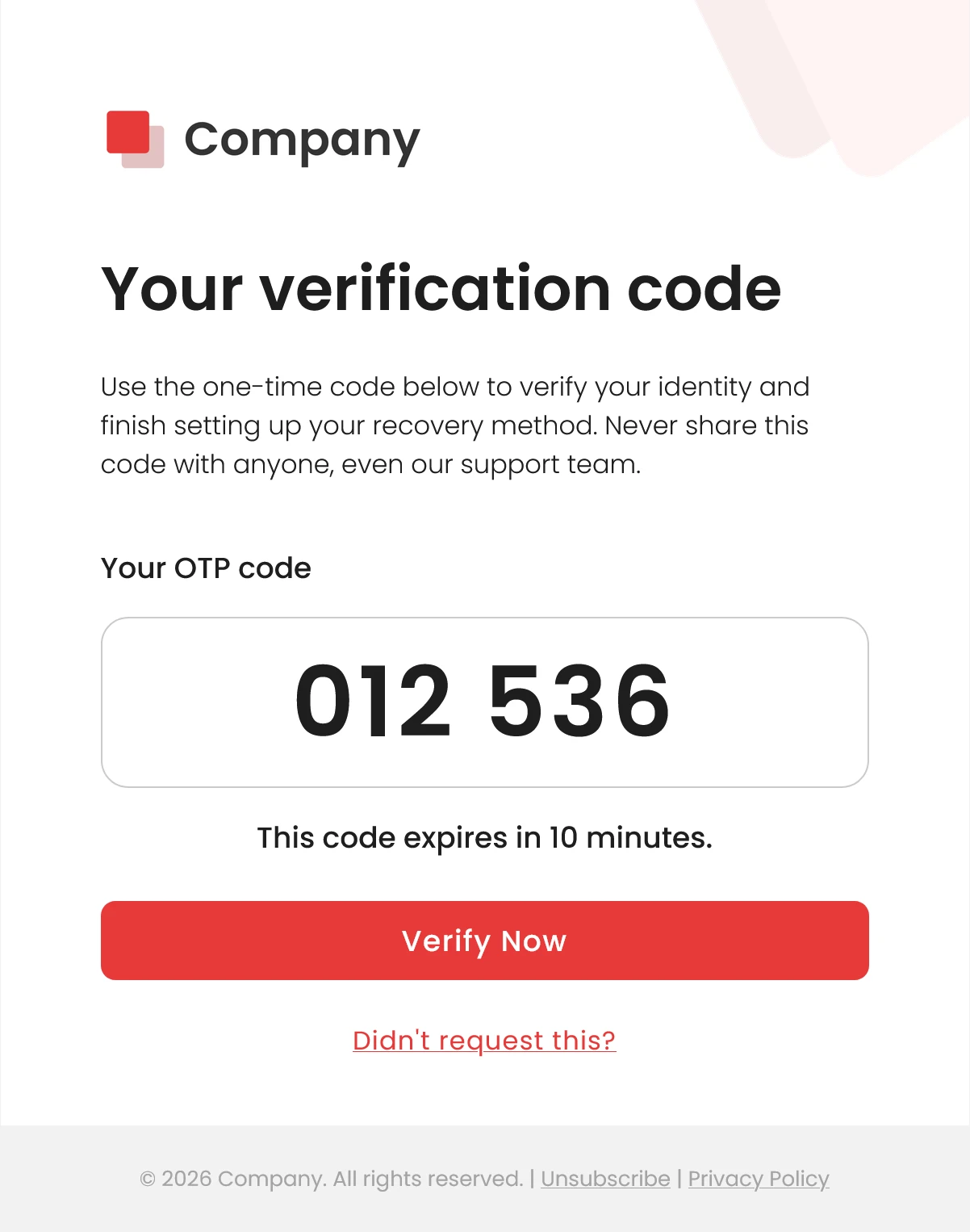
The template opens with your logo alongside a security illustration, followed by a "Your Verification Code" heading. A short message asks users to enter the one-time code to verify their identity and finish setting up their recovery method, with a reminder never to share the code with anyone, including your support team. A clearly labeled code box displays the OTP in large, easy-to-read numbers, with a note that it expires in 10 minutes. A full-width Verify Now button gives users one simple next step, and a "Didn't request this?" link helps them report unexpected activity. The footer closes with a copyright line and unsubscribe and privacy policy links.
Why Use a Two-Factor Authentication Email Template
Passwords alone are no longer enough, and users expect a second check before important account actions. This template keeps the code front and center, adds strong safety guidance, and gives users an easy way to flag requests they did not make. Whether you are securing logins, setting up recovery methods, or confirming sensitive changes, a polished two-factor authentication email reduces risk, prevents mistakes, and builds trust in your platform.
How to Customize This Template
Add your logo and swap the illustration for your own security graphic, then update the heading and message to match your product's tone and the action being verified. Connect the code box to your platform's OTP variable, adjust the expiry time to match your security settings, and edit the safety note if needed. Point the Verify Now button and "Didn't request this?" link to the right pages, change the colors and fonts to fit your brand, then export it to Klaviyo, Mailchimp, Omnisend, or HubSpot when you are done. No coding needed.
Use Cases
- Sending two-factor authentication codes for secure logins
- Setting up account recovery methods
- Verifying identity before sensitive account changes
- Adding backup emails or phone numbers
- Letting users report unexpected verification requests