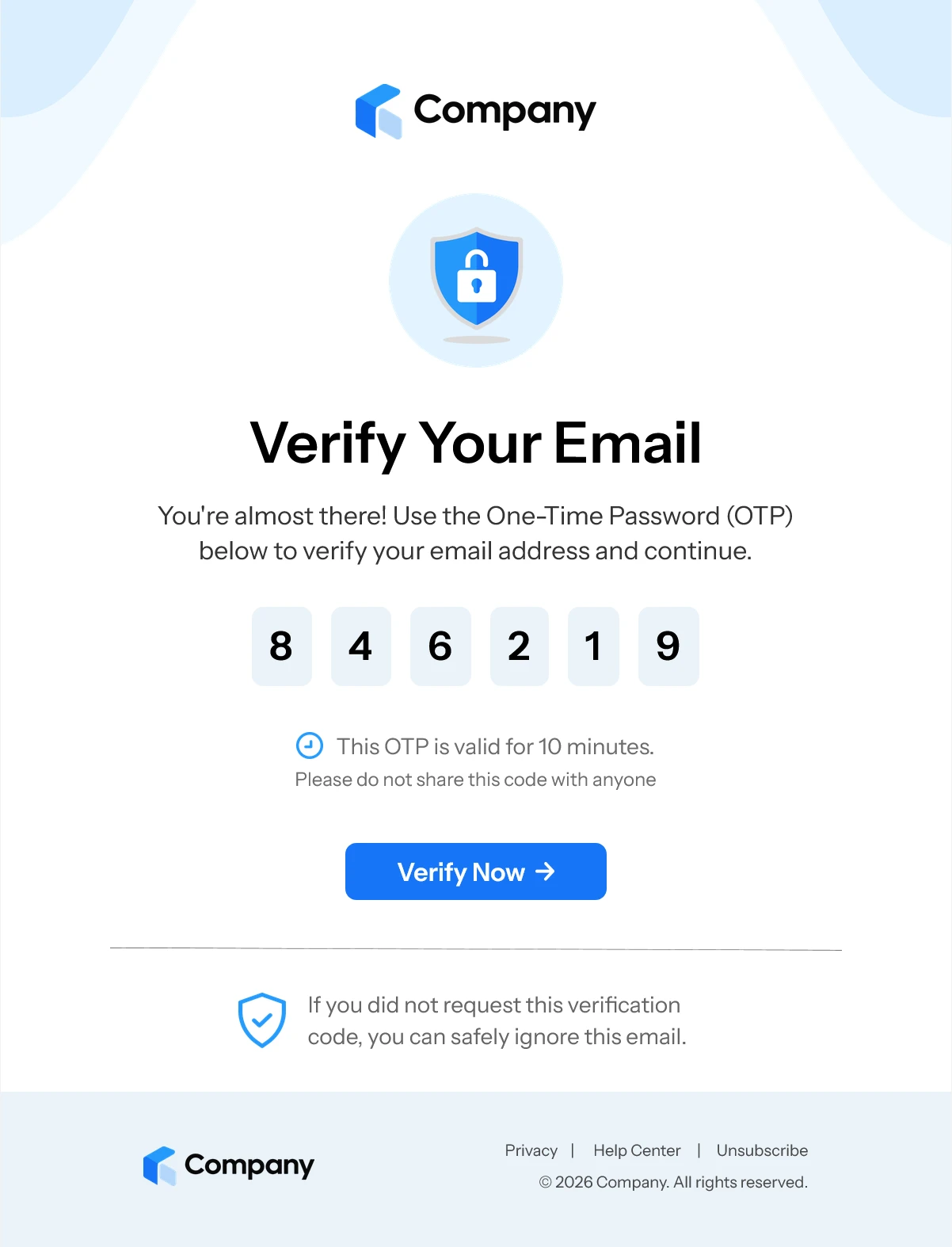


Deliver one-time passwords with clarity and confidence using an OTP email template designed for secure, fast verification. With a friendly "Verify Your Email" heading, a large digit-by-digit code display, an expiry and safety note, and a single verify button, it helps apps, platforms, and online services protect user accounts without slowing anyone down.
What's Inside This OTP Email Template
The template opens with a "Verify Your Email" heading and a short message letting users know they are almost there and asking them to use the one-time password to continue. The OTP is shown as six separate, easy-to-read digits so it can be entered without mistakes. A note explains that the code is valid for 10 minutes and reminds users not to share it with anyone, followed by a Verify Now button. A reassurance line tells users they can safely ignore the email if they did not request the code, and the footer closes with privacy, help center, and unsubscribe links plus a copyright line.
Why Use an OTP Email Template
One-time passwords are a key part of account security, and users expect them to arrive fast and be easy to read. This template keeps the code front and center, adds clear expiry and safety guidance, and helps users spot unexpected requests, all in a clean, trustworthy layout. Whether you are securing logins, confirming sign-ups, or approving sensitive account actions, a polished OTP email reduces errors, prevents confusion, and strengthens trust in your platform.
How to Customize This Template
Add your logo, then update the heading and message to match your product's tone. Connect the digit boxes to your platform's OTP variable, adjust the validity time to match your security settings, and edit the safety note if needed. Point the Verify Now button and help center link to the right pages, update the footer links, change the colors and fonts to fit your brand, then export it to Klaviyo, Mailchimp, Omnisend, or HubSpot when you are done. No coding needed.
Use Cases
- Sending one-time passwords for secure logins
- Verifying new account sign-ups
- Adding two-step verification to apps and websites
- Approving password resets and account changes
- Alerting users to unexpected verification requests