New Year Email Template Ideas for 2027
Choose a New Year email template based on your campaign goal, from seasonal sales to greetings and newsletters. Explore 4 editable designs and AI customization.

Md. Yaikub Hossain Razon
The most useful New Year email template ideas for 2027 start with a campaign goal: a travel layout for bookings, a promotional design for January sales, a holiday greeting for customer appreciation, or a newsletter for seasonal updates. Choose a layout that supports your message, personalize it with your branding, and give readers one clear next step.
This guide uses four existing MailEditor designs to show how to turn each campaign idea into an email, with previews, practical customization tips, suggested subject lines and CTA ideas. If none of the layouts fits your campaign, you can also create a custom design from a text prompt using MailEditor AI.
Quick answer: Choose a template based on the action you want readers to take. Use a travel design for bookings, a promotional layout for sales, a greeting design for warm wishes, or a newsletter for updates. Replace demo content, verify links and offers, and preview the finished email before sending.
Compare New Year Email Campaign Ideas
Compare the campaign ideas by audience and objective before choosing a layout.
| Template | Best for | Campaign goal |
|---|---|---|
| New Year Travel Email Template | Travel agencies, tour operators and hotels | January trip discovery and bookings |
| New Year Email Template 2027 | Retail and wellness brands | Fresh-start offers and product promotions |
| Christmas & New Year Email Template | Businesses and customer-facing teams | Holiday greetings and relationship building |
| Christmas & New Year Newsletter Template | Brands and publishers | Seasonal updates and engagement |
4 New Year Email Template Ideas for 2027
These four campaign ideas are illustrated with existing MailEditor template listings. The previews show the upper half of each email; select the image or Use Template button to inspect the complete design and available editing options. The subject lines and CTA suggestions are original examples for adapting each layout, not text quoted from the templates.
1. New Year Travel Email Template
Best for: Travel agencies, hotels and tour operators.

Why it works: A destination-focused layout can help turn a fresh-start message into a concrete trip idea. Use the seasonal theme to introduce one appealing destination or a short list of packages, rather than mixing unrelated travel offers.
Customize it: Replace demo photos with real destinations, add accurate trip dates and starting prices if applicable, and connect the primary button to the relevant booking page. If bookings are not open yet, invite readers to explore the itinerary instead.
Suggested CTA: Explore Destinations
2. New Year Email Template 2027
Best for: Ecommerce, retail and wellness brands.

Why it works: A fresh-start promotion gives shoppers a reason to explore a January collection or a product that supports their goals. Make the featured offer or product category the main focus so the New Year theme supports the shopping decision.
Customize it: Use your logo, seasonal product photos and a concise headline. If you offer a discount, specify the actual value, eligible products and end date. Otherwise, highlight new arrivals or useful products without inventing a sale.
Suggested CTA: Shop the January Collection
3. Christmas & New Year Email Template
Best for: Businesses sending seasonal greetings to customers or partners.
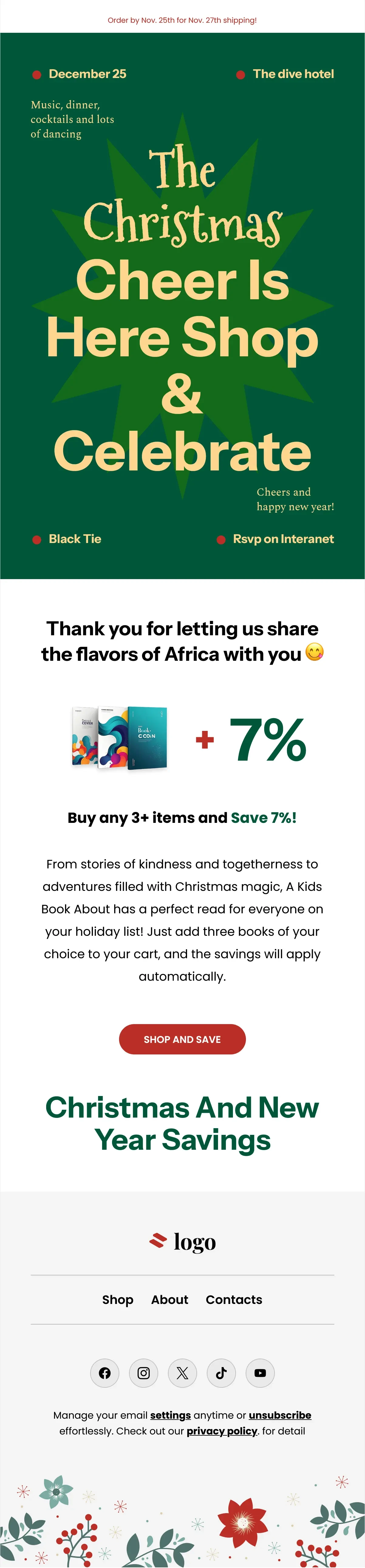
Why it works: A combined Christmas and New Year design works when you want to acknowledge the holiday season in one message. A warm greeting and short thank-you can be more appropriate than a prominent sales offer for established business relationships.
Customize it: Replace the demo message with a sincere note, add a recognizable sender and remove any expired Christmas promotion. If sending after Christmas, update the headline and artwork to emphasize the New Year.
Suggested CTA: Read Our Holiday Message (optional)
4. Christmas & New Year Newsletter Template
Best for: Brands, publishers and teams sharing updates.
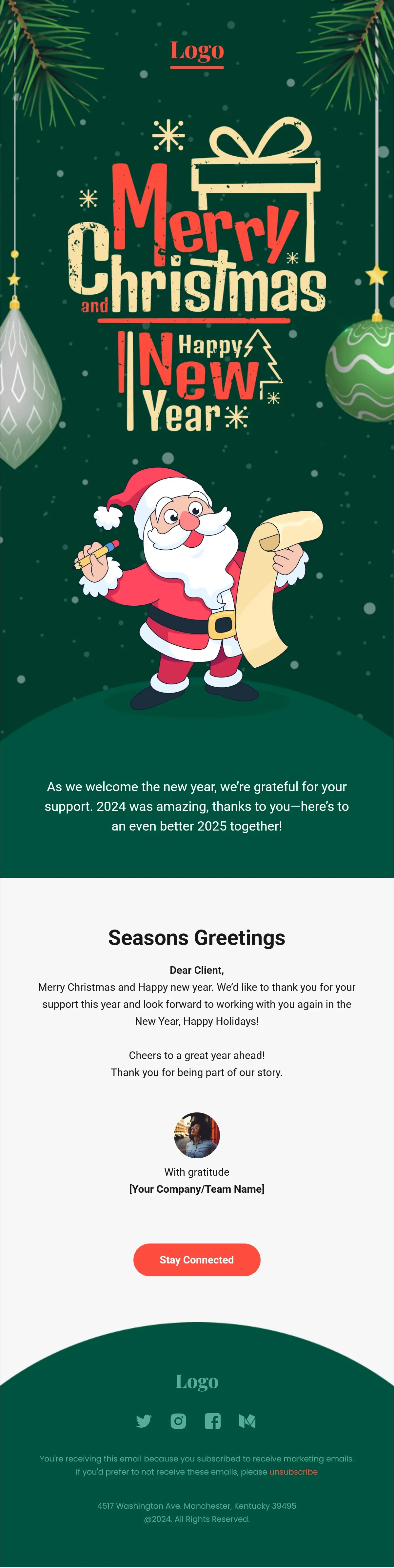
Why it works: A newsletter format is useful when readers need more than a single greeting. Lead with one meaningful update, then organize supporting news, product highlights or resources into short, scannable sections.
Customize it: Choose a lead story and two or three relevant updates. Replace demo sections with real headlines and links, remove unnecessary blocks, and make the main reading action obvious.
Suggested CTA: Read the Newsletter
How to Choose the Right New Year Email Template
Start with what the reader should do after opening the email, then select the layout. For a pure greeting, a sales CTA is optional. For a campaign with several updates, keep the most important story first.
Once you have chosen your campaign goal, explore the full New Year email template collection to compare available designs and find the layout that fits your brand.
Browse All New Year Email Templates
If your goal is simply to add a festive sign-off to everyday business messages, a full campaign layout is unnecessary. Use our Happy New Year email signature guide instead.
How to Customize a New Year Email Template With MailEditor
Use a ready-made design as a starting point rather than sending its sample content unchanged.
- Choose a layout. Open the relevant template listing and check its access and editing options.
- Apply your branding. Replace the logo, colors, typography and demo images with your own assets.
- Write the campaign message. Update the headline, greeting and supporting copy to match your audience.
- Set the main CTA. Replace demo URLs with real product, booking or content links and check offer terms.
- Preview the design. Review desktop and mobile layouts, image alt text and required footer details.
- Export and test. Use the available export or sending workflow and inspect a test email in your sending platform.
Create a Custom New Year Email Template With AI
Need a different layout, color palette or campaign concept? With MailEditor’s AI Email Template Generator, you can start from a written prompt instead of selecting an existing design. Describe the audience, campaign goal, brand style, content blocks and primary CTA so the generated layout has a clear purpose.
Example AI prompt (copy and customize)
Create a responsive Happy New Year 2027 email template for an ecommerce brand. Use an elegant navy and gold color palette, a festive hero banner, three featured products, a warm New Year greeting and a prominent Shop Now button. Keep the layout clean and mobile-friendly. Use placeholder product details and do not invent discounts or deadlines.
Replace the example industry and colors with your own brand details. Review the generated design, personalize the copy, replace placeholder photos and check every CTA link before exporting. AI output is a starting point, not a substitute for campaign review.
Generate New Year Email With AI
New Year Email Template Design Best Practices
- Use festive branding with restraint. Make the greeting recognizable, but keep the logo, text and offer easy to read.
- Prioritize mobile readability. Use a clear content order, readable text, responsive images and easily tapped buttons.
- Keep the main message in live text. Include meaningful image alt text and avoid embedding essential dates or offer details only in artwork.
- Personalize by campaign goal. Adapt the message to the recipient segment, not just the holiday.
- Verify every detail. Remove expired Christmas offers, check the year, prices, dates, links and unsubscribe details where required.
- Send a test email. Review the finished design in your actual email platform, including mobile and dark mode.
For combined holiday campaigns, our Christmas email examples can help you adapt the messaging to your audience.
Final Answer
Choose a New Year email template based on your campaign goal. For 2027, use a travel layout for bookings, a promotional design for January sales, a holiday greeting for customer appreciation, or a newsletter for seasonal updates. Adapt the visuals, message and CTA to that goal. If you need a different layout, generate a custom template with MailEditor AI. Personalize your design, verify the campaign details and test the finished email before sending.
Frequently Asked Questions
Popular Blogs
Email Design2 mins to read
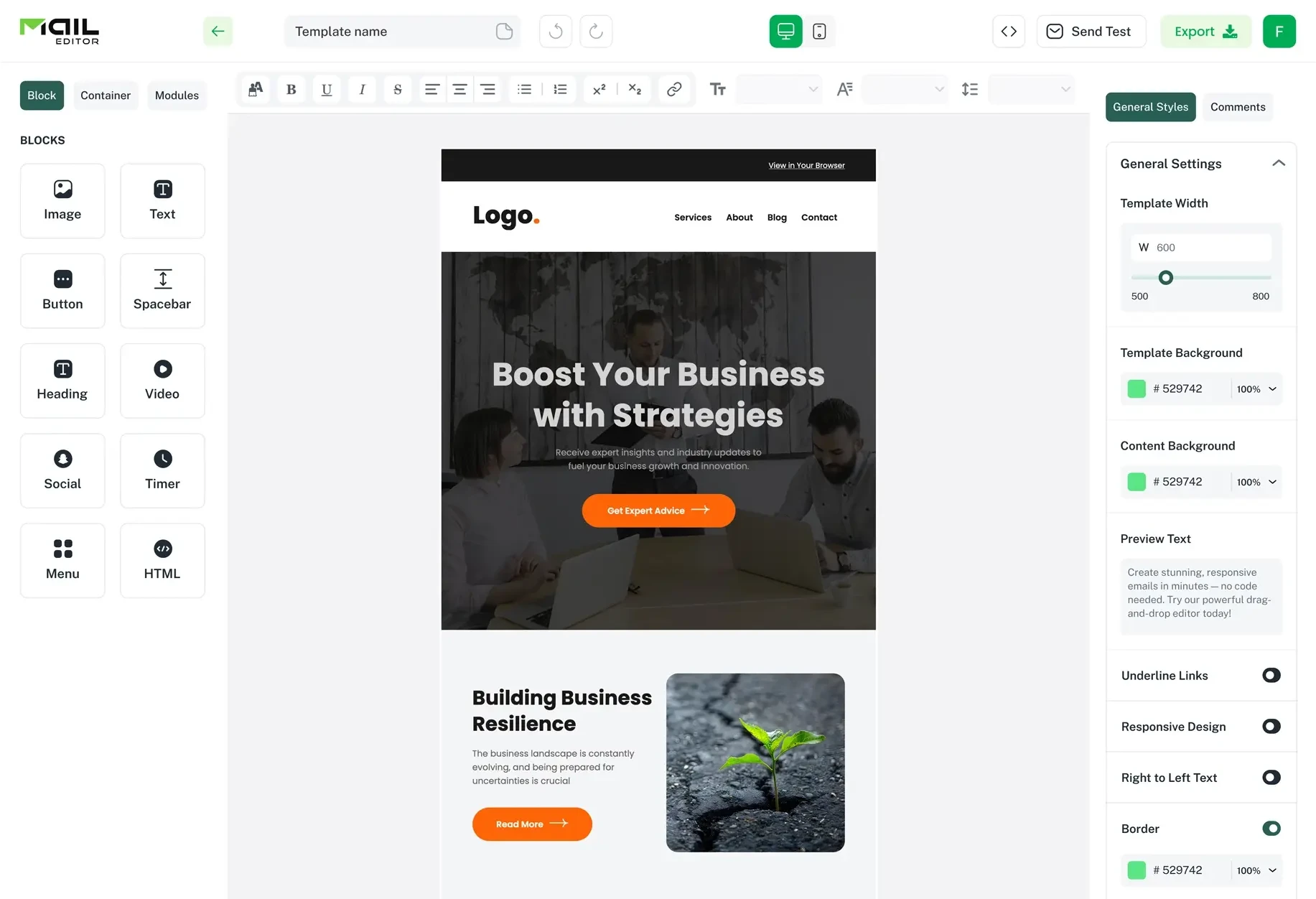
Top Email Template Builders & HTML Email Editors for 2026
Compare the best email template builders and HTML editors to design professional, responsive campaigns without coding.
Email Design9 mins to read
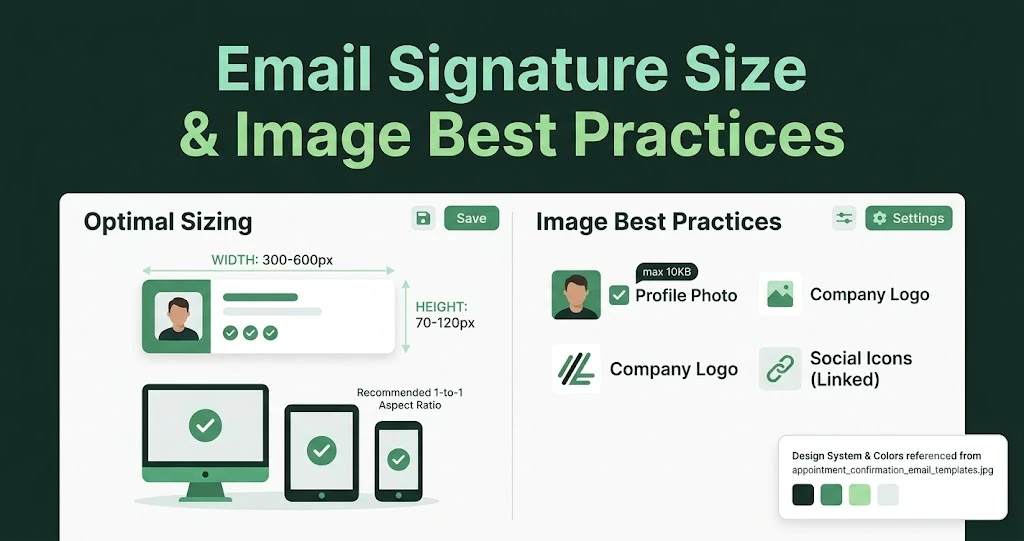
Email Signature Size and Image Best Practices
The ideal email signature is 320–600px wide and 90–200px high. Learn the best image sizes, formats, file limits, and mobile-friendly design tips.

Email Tips7 mins to read
Best Drag and Drop Email Editors in 2026
Discover the best drag and drop email editors in 2026. Compare top tools, features, templates, pricing, and automation to build stunning emails fast.
Marketing7 mins to read
4 Best Unlayer Alternatives to Design Emails
Looking for Unlayer alternatives? Explore the 4 best email design tools to create beautiful, responsive emails faster and easier.
Marketing6 mins to read
5 Beefree Alternatives to Upgrade Email Design Workflows
Looking for a better email design tool? Explore 5 Beefree alternatives that streamline workflows, improve collaboration, and elevate email campaigns.