Email Editor API for SaaS: Integration & Security Guide
Learn how an email editor API connects saved templates to your SaaS. Explore integration architecture, HTML retrieval, security, and MailEditor Plugin.

Md. Yaikub Hossain Razon
Email editor API integration connects a visual email creation experience to the systems your SaaS already uses: customer identity, saved templates, approval workflows, and email delivery. The editor helps users design messages; the API lets your application find the resulting templates and retrieve HTML without asking users to download files manually.
For a SaaS team, the hard part is not merely calling an endpoint. It is deciding which system owns each task, keeping one customer's templates separate from another's, and knowing when a saved design is ready to enter your sending workflow. This guide explains the architecture, essential API operations, security decisions, and a practical MailEditor implementation.
What Is an Email Editor API?
An email editor API is a programmatic interface associated with an email editing product. Depending on the provider, it may allow your application to list saved designs, retrieve template metadata, fetch rendered HTML, manage reusable assets, or coordinate how an editor connects to the rest of your SaaS platform.
The phrase does not guarantee a single feature set. Some vendors expose a browser-side SDK that lets developers initialize the editor and respond to save events. Others provide a hosted editor and a server-side template API. An email sending API is different again: it delivers messages rather than creating their visual content.
Think of the email editor as the design workspace and the API as an integration boundary. Your CRM, booking system, ecommerce application, or marketing platform can use that boundary to make edited content available inside a real business workflow.
What should an email editor API actually help you do?
A useful integration should answer practical questions: Which templates has this user saved? Can our backend get the latest HTML? Can we associate the template with a campaign? Who is allowed to preview, approve, export, or delete it? What happens when a save is recent, an API call fails, or a user changes organizations?
Not every API answers all these questions directly. A vendor can supply template data while your application remains responsible for authorization, approvals, sending, and audit records. Evaluate that division explicitly rather than assuming the API is a complete email marketing platform.
How an Email Editor API Works Inside a SaaS Application
In a typical embedded workflow, a signed-in customer opens the email builder inside your product. They customize a template, save their work, and return to the campaign or automation screen. Your application retrieves the saved design through the provider's supported API and attaches it to the correct business record.
The important distinction is that editor storage, application storage, and sending infrastructure are separate concerns. You might store the editor's template ID and revision information in your database, retrieve its HTML when the customer approves a campaign, and pass that HTML to an existing email service provider. The visual editor is not necessarily the sending service.
| Layer | Main responsibility | Example in a SaaS product |
|---|---|---|
| Your application | Accounts, roles, campaigns, business rules | A CRM decides who may edit a customer newsletter |
| Visual email editor | Layout, content blocks, templates, saving | A user changes a heading, button, and brand colors |
| Editor or template API | Access to saved work and exported content | Your backend retrieves the latest HTML |
| Sending service | Recipient lists, delivery, unsubscribe handling | Your existing ESP sends an approved campaign |
This separation matters because an email editor API can make design data available without taking responsibility for consent, scheduling, delivery, or engagement reporting. Those capabilities must be provided by your own platform or another service.
Email Editor API vs SDK vs Sending API
These terms overlap in marketing copy, but they describe different integration jobs. A browser-side editor SDK commonly exposes initialization methods, editor events, and export functions within the host application. A template API exposes resources such as saved designs and HTML, often from your backend. A sending API accepts a message payload and handles delivery.
| Interface | Primary job | What to verify before choosing it |
|---|---|---|
| Editor SDK | Embed and control the editing experience in code | Supported framework, events, customization and saved format |
| Email editor or template API | Read or manage editor-related resources | Authentication, resource scope, HTML access and API limits |
| Email sending API | Submit messages for delivery | Consent, deliverability, retries, suppression and reporting |
A product may offer several of these surfaces, or only one. For a broader introduction to SDK lifecycle methods, read our email builder SDK guide. To compare embedding architectures, see our email builder plugin for SaaS guide.
Why API access does not automatically mean live editor events
An API that returns saved HTML is not the same as an editor that sends a callback whenever a user clicks Save. A hosted iframe may run independently and persist templates on the provider's side, leaving your backend to fetch updates on demand. If your workflow requires immediate editor-to-host notifications, verify that the specific provider documents those events before designing around them.
The Core Email Template API Operations to Evaluate
Before committing to an integration, map the lifecycle of a template from initial creation to account deletion. At minimum, verify which operations are available, what user scope they use, and whether a deleted template can be recovered.
| Operation | Why SaaS teams need it | Question to ask |
|---|---|---|
| List templates | Populate a user's saved-design library | Can results be filtered to one end user? |
| Read metadata | Show names, ownership, previews and updated dates | Does the response include a stable template ID? |
| Retrieve HTML | Render a preview or prepare an approved message | Is recently saved HTML immediately accessible? |
| Track updates | Refresh lists and synchronize an internal catalog | Are date filters or webhooks available? |
| Delete templates | Support removal and account offboarding | Are related files and uploaded assets also deleted? |
Some products also have create and update operations. Others handle those actions inside the embedded editor and offer only read and delete access from the host server. Do not assume a template API can programmatically create, edit, or publish arbitrary designs unless the chosen product explicitly supports it.
HTML, editor source, and thumbnails are different outputs
Rendered HTML is useful for previews, export, and sending pipelines. However, it does not necessarily contain the proprietary document model required to reopen a design in another drag-and-drop editor. A template ID is a reference, not the template itself; a thumbnail is a visual preview, not email-safe markup. Ask how the vendor stores source documents, whether that source can be exported, and how migration would work.
How to Retrieve Saved Email HTML Safely
The safest pattern for a server-side template API is browser to your authorized backend to the editor provider. Your frontend requests a template through your own route, and your backend decides whether the signed-in user is allowed to access it before requesting the HTML. The provider's secret never enters browser JavaScript or an iframe URL.
A practical retrieval flow looks like this:
- Authenticate the user in your app. Resolve the actual account, organization and user from the server session, not an arbitrary user ID supplied by the browser.
- Authorize the template. Confirm the requested design belongs to an account the user may access and that their role permits preview or export.
- Request metadata or the template list. Use the editor provider's documented endpoint to verify the template's owner and resource scope.
- Fetch the rendered HTML from your server. Keep provider credentials in server-side environment variables or a secure secret manager.
- Apply your own workflow controls. Run approval, content checks and email-client QA before any sending action. Log the template ID, account and outcome without logging secrets or private HTML unnecessarily.
Example: Server-side HTML retrieval with the MailEditor Backend API
MailEditor's hosted plugin uses a Plugin ID and Plugin Secret to authenticate Backend API requests. The example below illustrates a reusable server-side function for Node.js 18+; it deliberately expects a trusted, already-authorized externalUserId from your application. It is not a complete HTTP route and must not be called directly from the browser.
This ownership check is defense in depth, not a substitute for your application's access rules. Your server must first verify that the current user may act as the specified end user or account. Handle provider errors, timeouts and rate limits at the HTTP route boundary, and do not return private HTML to unauthorized callers. Review the official Backend API reference for the current response schema.
How to use the returned HTML
You might store a versioned copy when an authorized customer approves a campaign, create a controlled preview, or provide the HTML to the sending system already used by your SaaS. Treat any third-party or user-authored markup as untrusted in your web application's preview context; isolate rendering instead of inserting arbitrary HTML into a privileged page.
For actual email compatibility, inspect relevant inbox clients rather than relying solely on a browser preview. Can I Email is a useful reference for differences in HTML and CSS support across email clients.
Template Management: Save, Sync, Version and Delete
An editor API becomes valuable when saved designs feel native to your product. Customers should see clear names, modification dates, ownership, and a predictable way to reopen their work. Behind the scenes, your team needs rules for synchronization, failures, and retention.
Read on demand or synchronize to your database?
Read on demand when the user opens a template library or campaign editor. It is simple to reason about and reduces stale data, but every visit requires a provider request. Incremental synchronization periodically fetches templates changed since the last known update and copies relevant metadata into your own database. It can support local search and reporting, but requires pagination, retry handling and reconciliation.
Do not design a webhook-based architecture unless the provider supports webhooks for the events you need. For example, the current MailEditor Plugin documentation recommends read-on-demand or polling with updated_after, because it does not provide host-facing webhooks. Use conservative polling intervals and record a safe overlap window so a delayed save is not missed.
Draft HTML and the saved template are not always the same thing
Some providers perform file rendering asynchronously after an editor save. MailEditor's Backend API may respond with source: "draft" immediately after a save and source: "media" when the rendered file is available. The documentation says the returned HTML is current in either state. Your app should still define what counts as approved content for a customer campaign. A successfully retrieved draft is not automatically an approved message.
Deleting a design has more than one consequence
If a customer deletes a template or closes an account, determine whether the API removes its HTML, revisions, thumbnails and uploaded images. In MailEditor, deleting a template removes its saved versions and related template files, but does not delete the user's uploaded images. An open editor session may also fail on its next save after the template has been deleted. Make the consequence clear in confirmation screens and offboarding procedures.
API Security for Multi-Tenant SaaS Platforms
The most important question is not whether the API key works. It is whether a user from Account A can ever retrieve the HTML owned by Account B. OWASP's API Security Top 10 calls out broken object-level authorization as a central API risk. Template IDs are especially sensitive because a predictable or exposed ID must never grant access by itself.
| Security control | What your SaaS should enforce |
|---|---|
| Server-side secrets | Never expose provider secret headers, signing keys or full backend credentials to the browser |
| User identity | Derive the external user identifier from your authenticated session, not free-form request input |
| Tenant authorization | Check account and role permissions before listing, previewing, exporting or deleting templates |
| Object-level checks | Verify every requested template belongs to the permitted user or tenant |
| Preview isolation | Render user-authored email HTML in an appropriately isolated preview context |
| Logging and retention | Redact secrets; record important actions; define export and deletion policies |
| Failure handling | Treat 401, 404, 409 and 429 differently; avoid leaking sensitive details in error messages |
Design external user IDs carefully
In a multi-tenant app, the same local user identifier might exist in different organizations or environments. Use a stable, unambiguous ID mapping for the plugin, and do not accidentally reuse one identity across unrelated customers. If access is based on organization roles, enforce that rule in your own application before making backend requests; the editor provider cannot infer your internal approval policy.
MailEditor's signed identity flow is generated on the host server, and the plugin checks the permitted origin and signature before starting the editor. Signed parameters are short-lived. The identity and embedding documentation explains the supported iframe URL and session lifecycle.
Plan for outages and rate limits
Your integration should have a visible failure state, bounded retries, monitoring and a defined decision about whether previously approved HTML can be used when the provider is temporarily unavailable. A 429 response means slow down; do not retry in a tight loop. Check Retry-After and prefer caching or refresh-on-demand over aggressive polling.
MailEditor's documented Backend API allowance is 60 requests per minute and 2,000 per day per plugin at the time of writing. These limits can change, so check the current limits reference before production sizing. Avoid one request per template when a paginated list can populate a library, and reserve capacity for HTML retrieval when a user needs it.
How MailEditor's Plugin and Backend API Work Together
MailEditor Plugin offers a particular model of embedded editing: you place a hosted iframe inside your SaaS, sign the end user's identity on your backend, and access saved work through a server-to-server Backend API. The editor handles its own editing interface and template saves. Your application provides the surrounding workflow.
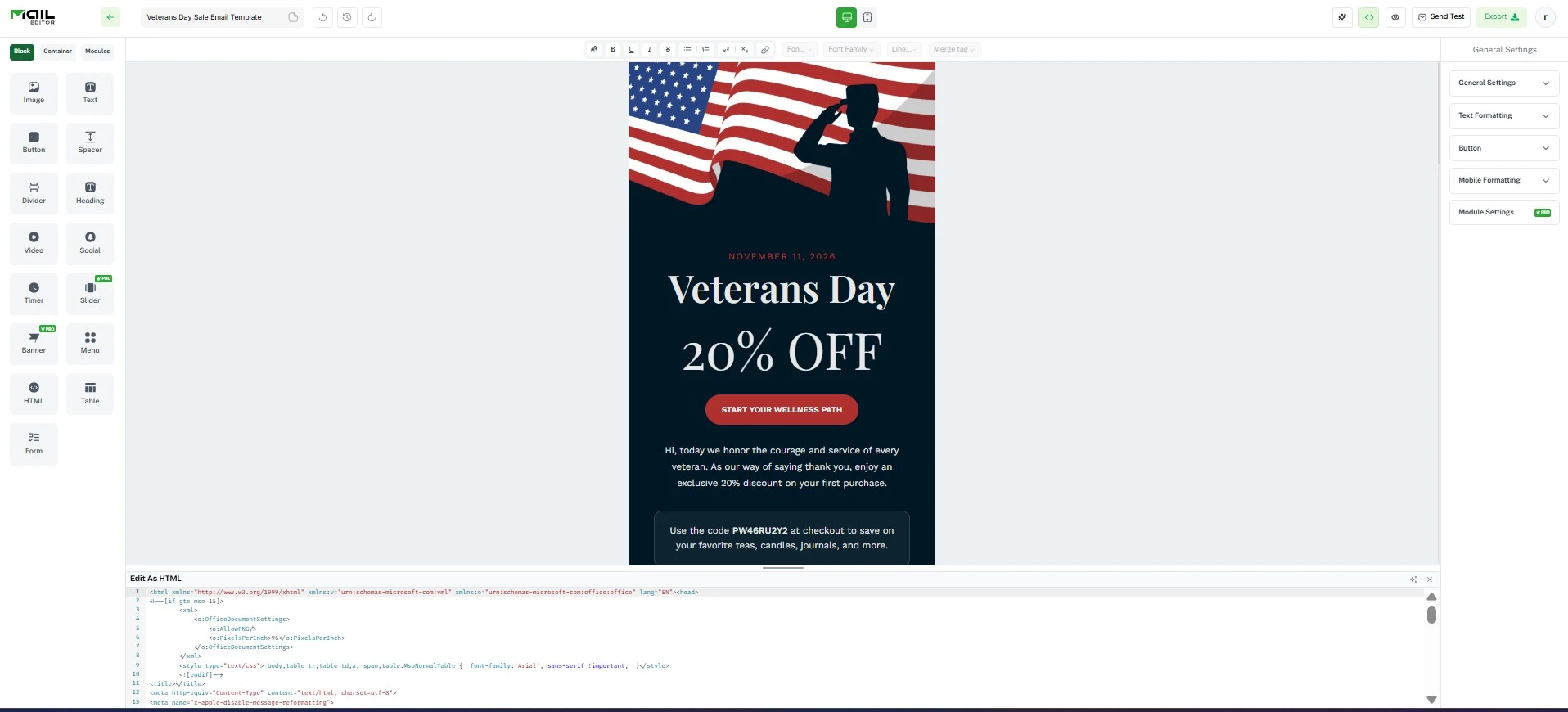
For this model, your server sends the Plugin ID and Plugin Secret as headers. The public-facing iframe does not receive the Plugin Secret. MailEditor stores templates under the plugin and the associated external_user_id, so the host must pass a consistent identity when a user returns to edit their work.
The documented MailEditor Backend API endpoints
Paths in this table are relative to https://api.maileditor.net/api. They use the backend authentication headers, not the embedded editor's bearer-session token.
| Method | Endpoint | Purpose |
|---|---|---|
| GET | / |
List end users who have saved templates |
| GET | / |
List templates; filter by user or update dates |
| GET | / |
Get one template's metadata |
| GET | / |
Retrieve rendered email HTML |
| DELETE | / |
Delete one template |
| DELETE | / |
Delete one end user's templates |
Template lists are paginated; the documented default page size is 25 and the maximum is 100. The list supports external_user_id, search, updated_after and updated_before filtering. For full request parameters and current error responses, consult the MailEditor Backend API guide.
What this integration does not promise
This Backend API is a read-and-delete surface, not a generic server-side create/update API for arbitrary templates. Separate embedded-session endpoints exist for the editor's own actions, but they are not interchangeable with the Backend API's credentials and scope. MailEditor also does not document host-facing JavaScript editor events, a client-side editing SDK, or webhooks for this hosted iframe workflow.
The plugin is not an email sending platform. Your SaaS or connected ESP must still handle recipient permissions, scheduling, deliverability, unsubscribes and campaign analytics. If a requirement depends on live save callbacks, direct control of the editor canvas, or provider-side sending, verify that it is supported rather than assuming it comes with the API.
Building a SaaS email workflow? See whether MailEditor's hosted editor and server-side template access fit your app's permissions, HTML export and product requirements.
A Practical Integration Checklist for Developers
Before launching an email editor API inside your SaaS, validate one complete user journey, not just a successful curl request. Have a user create and save a branded email, leave the page, return to it, and preview or send it through your own approved workflow.
- Confirm the API surface. Separate browser SDK methods, embedded-session routes, backend template endpoints, and sending features.
- Map ownership. Define what the vendor stores and what your app stores, including template IDs, metadata, exports and uploaded assets.
- Test tenant boundaries. Try to access another customer's template ID and verify your server denies it.
- Validate save and reopen. Retrieve HTML immediately after saving and later after the editor session is closed.
- Verify email output. Check representative layouts in target mobile and desktop inboxes before connecting live sends.
- Simulate failure. Test missing credentials, expired identities, unavailable templates, timeouts and rate limits.
- Check deletion and exit. Confirm what happens to saved HTML, revision history, thumbnails, uploaded images and your own cached copies.
- Document operational ownership. Assign responsibility for support, audits, configuration changes, billing limits and vendor migration.
If you are still choosing a provider, our comparison of embedded email builders for SaaS can help you turn this checklist into a short proof-of-concept. For build-versus-buy decisions, use the same acceptance criteria and total ownership horizon before committing engineering resources.
Common Email Editor API Mistakes to Avoid
Treating an editor API like an ESP. Retrieving email HTML does not send it, maintain subscriptions, or satisfy consent and unsubscribe requirements. Those responsibilities remain with your sending layer.
Putting backend secrets in frontend code. Provider credentials in JavaScript bundles, local storage or query strings can expose all users' saved work. Keep privileged API access on your server.
Trusting a template ID as proof of ownership. Even when a provider scopes resources by plugin, your backend must enforce the logged-in user's tenant and role permissions.
Assuming every platform supports callbacks or webhooks. A hosted iframe that saves independently may require read-on-demand or polling. Design from current documented behavior, not a generic vendor diagram.
Using the latest saved draft as an approved campaign. Retrieval confirms a piece of content is available. Approval, recipient selection and final QA are separate business steps.
Ignoring export and deletion details. HTML may be portable for sending yet insufficient for rebuilding the editable source. Uploaded images, revisions and local caches can have different retention rules.
Final Answer: What Should a SaaS Team Look for in an Email Editor API?
Choose an email editor API based on the workflow it makes possible, not the number of endpoints in its documentation. A strong fit lets your users create and save emails comfortably while giving your server a dependable way to retrieve the right content for the right customer, under clear permissions and limits.
If you want tight in-app control, investigate an SDK with the events and customization your product requires. If your priority is a hosted design surface plus secure access to saved HTML, evaluate an iframe-and-backend-API approach. In either case, keep account authorization, approval rules, sending, monitoring and offboarding under your SaaS team's control.
For teams exploring that hosted path, start with MailEditor Plugin, review the plugin quickstart, and test HTML retrieval with the official Backend API documentation. A small, secure proof-of-concept will reveal more than feature labels alone.
Frequently Asked Questions
Popular Blogs
Email Design2 mins to read
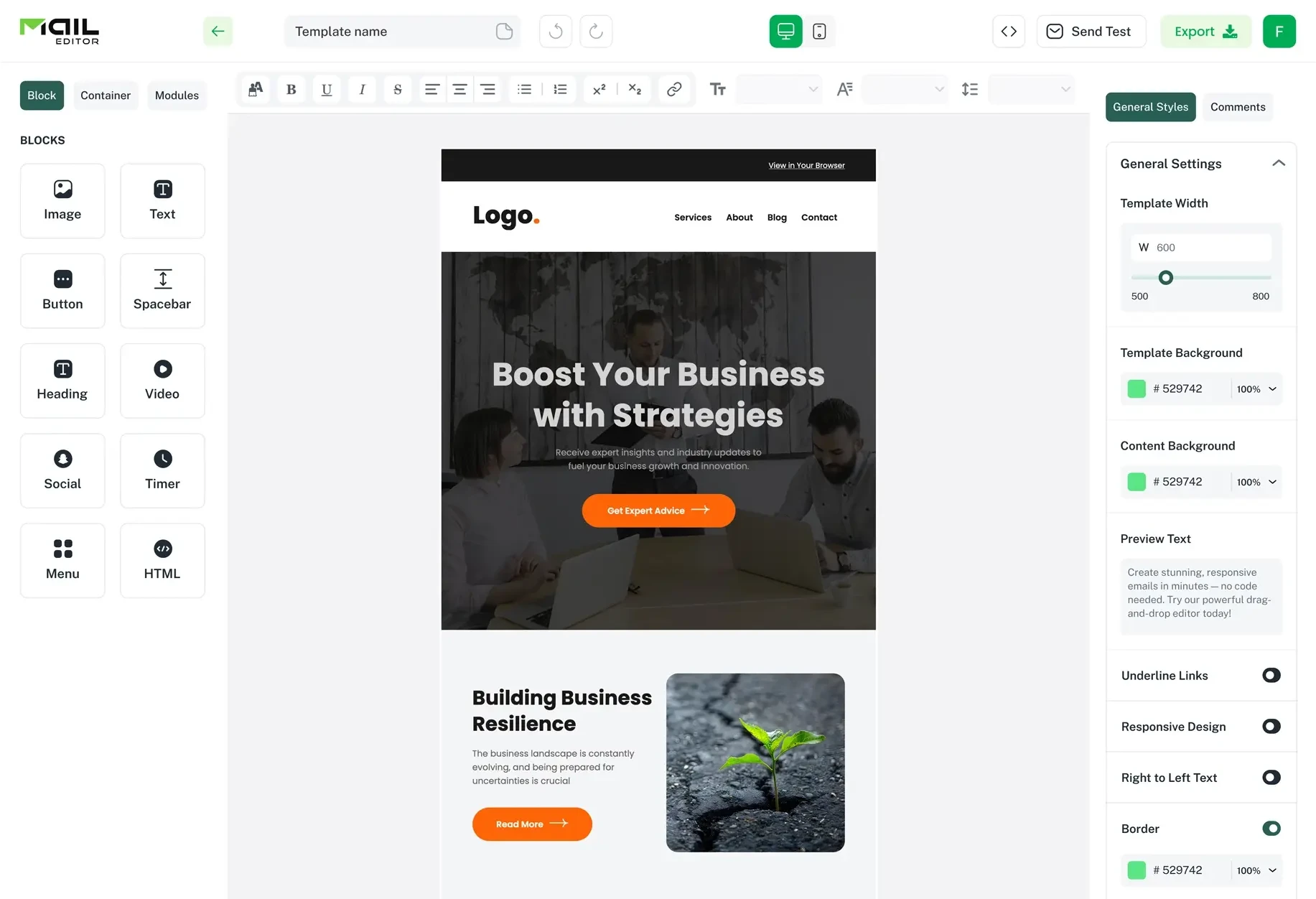
Top Email Template Builders & HTML Email Editors for 2026
Compare the best email template builders and HTML editors to design professional, responsive campaigns without coding.
Email Design9 mins to read
Email Signature Size and Image Best Practices
The ideal email signature is 320–600px wide and 90–200px high. Learn the best image sizes, formats, file limits, and mobile-friendly design tips.

Email Tips7 mins to read
Best Drag and Drop Email Editors in 2026
Discover the best drag and drop email editors in 2026. Compare top tools, features, templates, pricing, and automation to build stunning emails fast.
Marketing7 mins to read
4 Best Unlayer Alternatives to Design Emails
Looking for Unlayer alternatives? Explore the 4 best email design tools to create beautiful, responsive emails faster and easier.
Marketing6 mins to read
5 Beefree Alternatives to Upgrade Email Design Workflows
Looking for a better email design tool? Explore 5 Beefree alternatives that streamline workflows, improve collaboration, and elevate email campaigns.